

3 Steps to Maximize Your Touch Panel Computers
Newland’s Touch Panel Computers deliver all-in-one solutions for a wide range of industries and applications. Powered by Android, these devices offer reliability, ease of use, and seamless integration, making them a great fit for any environment.
Whether you're looking for a sturdy, fixed access-control solution or a portable design that keeps you on the move, we have the right option for you. Designed for interactive settings, they enhance user engagement and streamline daily operations.
To get the most out of each application, pair your Touch Panel Computer with other Newland devices, accessories, and software from our ISV partners. Discover how to maximize your Touch Panel Computer and the user experience in 3 steps!
Step 1: Choose your Touch Panel Computer
Find the Touch Panel Computer that meets your needs! Whether it’s access control, production monitoring, or order preparation, our devices are ready to deliver outstanding performance for your application.
-
NQuire 500 Skate II
Suggested Applications:
Employee Attendance
Customer Price Checking
Shelf Labeling
Digital Display
Workforce Communication
 See Product
 -
NQuire 750 Stingray II
Suggested Applications:
Table-top Service
Workforce Communication
Feedback Display
Calibrate Machines
Processing Returns
 See Product
 -
NQuire 1000 Manta III
Suggested Applications:
Monitor Production
Calibrate Machines
Self-check-in
Self-service Pickup Points
Digital Display
 See Product
-
NQuire 1500 Manta II
Suggested Applications:
Patient Registration
Digital Display
Receiving Orders
Patient Self-checkout/in
Self-service Pickup point
 See Product
 -
NQuire 10 Trygon
Suggested Applications:
Inventory Management
Sorting, Storing, Picking
Bedside Care in Healthcare
Drug Administration
Field Work
 See Product
Step 2: Add the right hardware
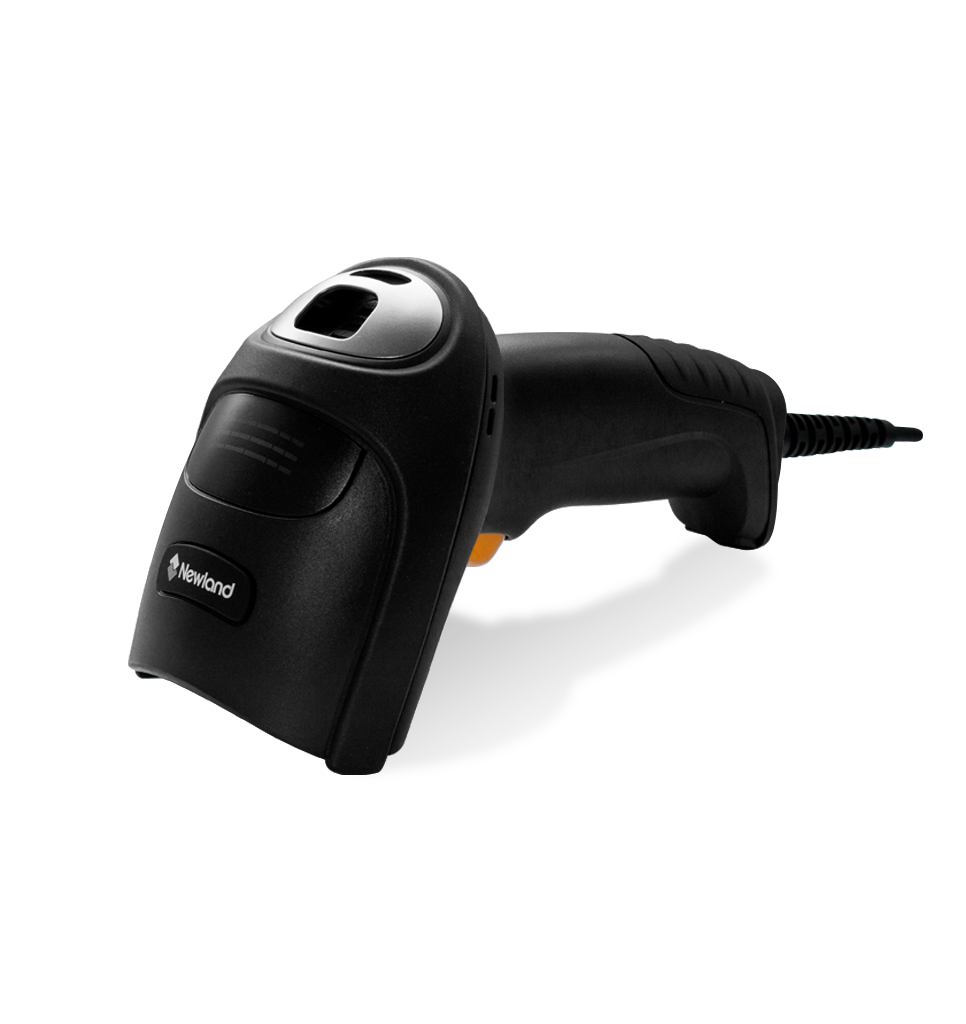
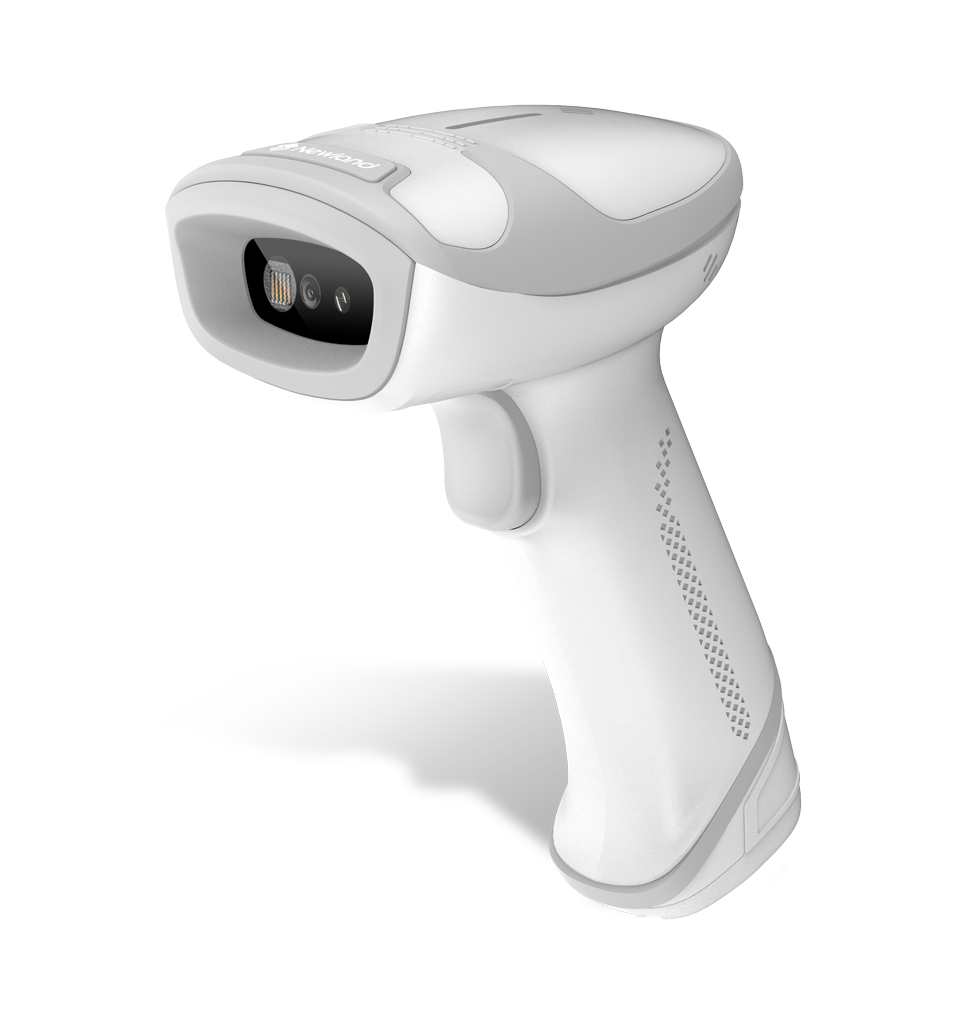
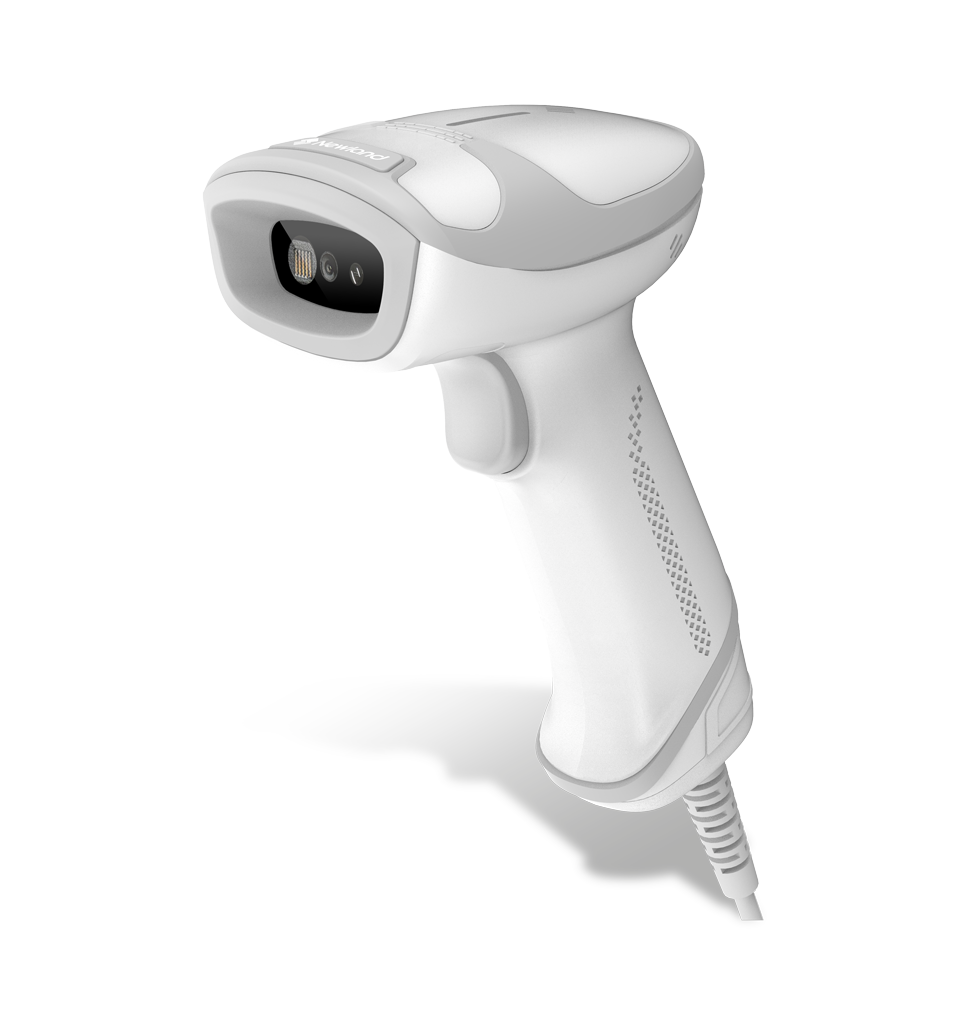
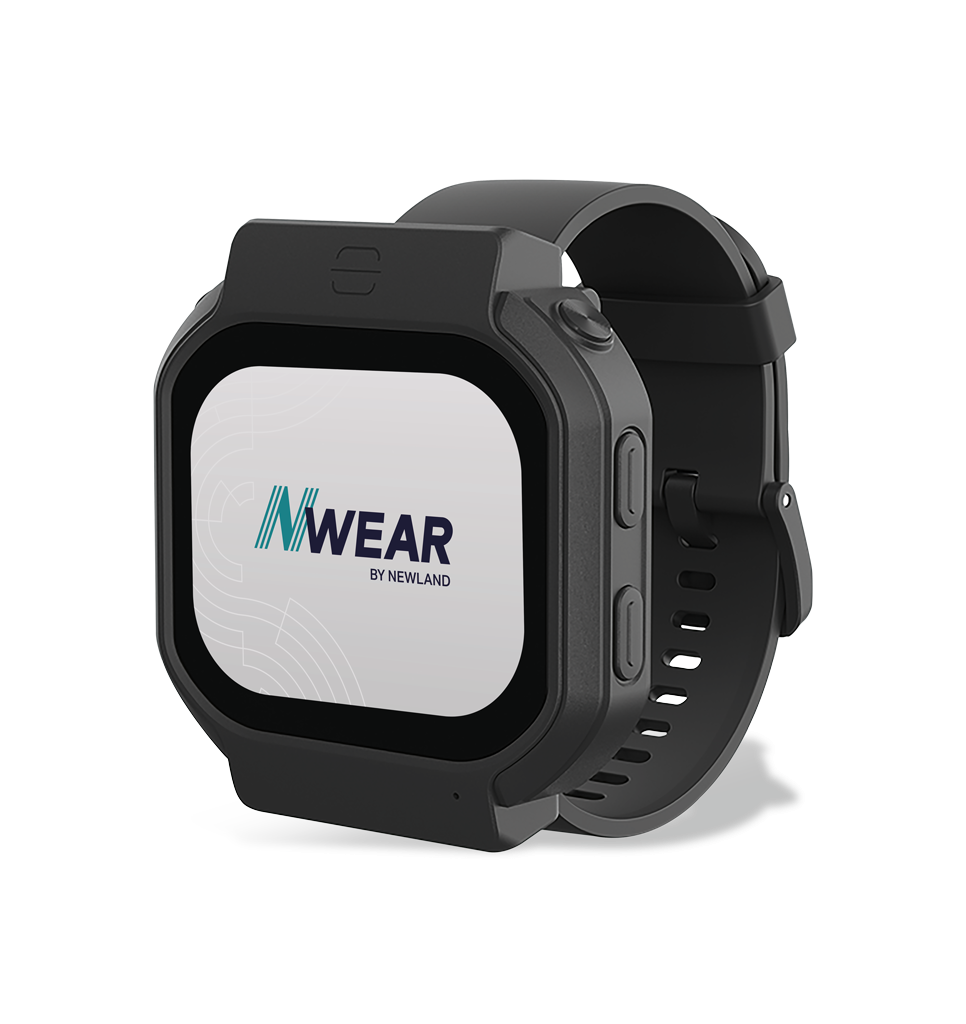
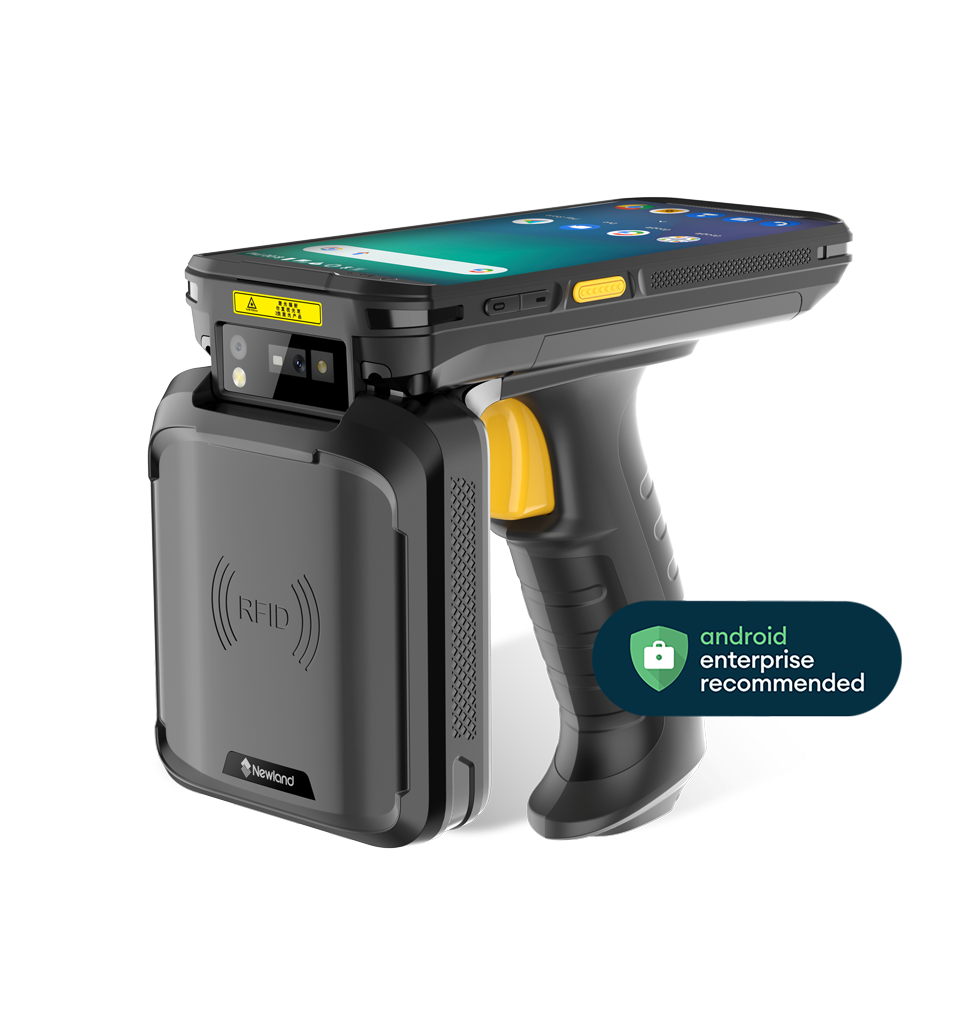
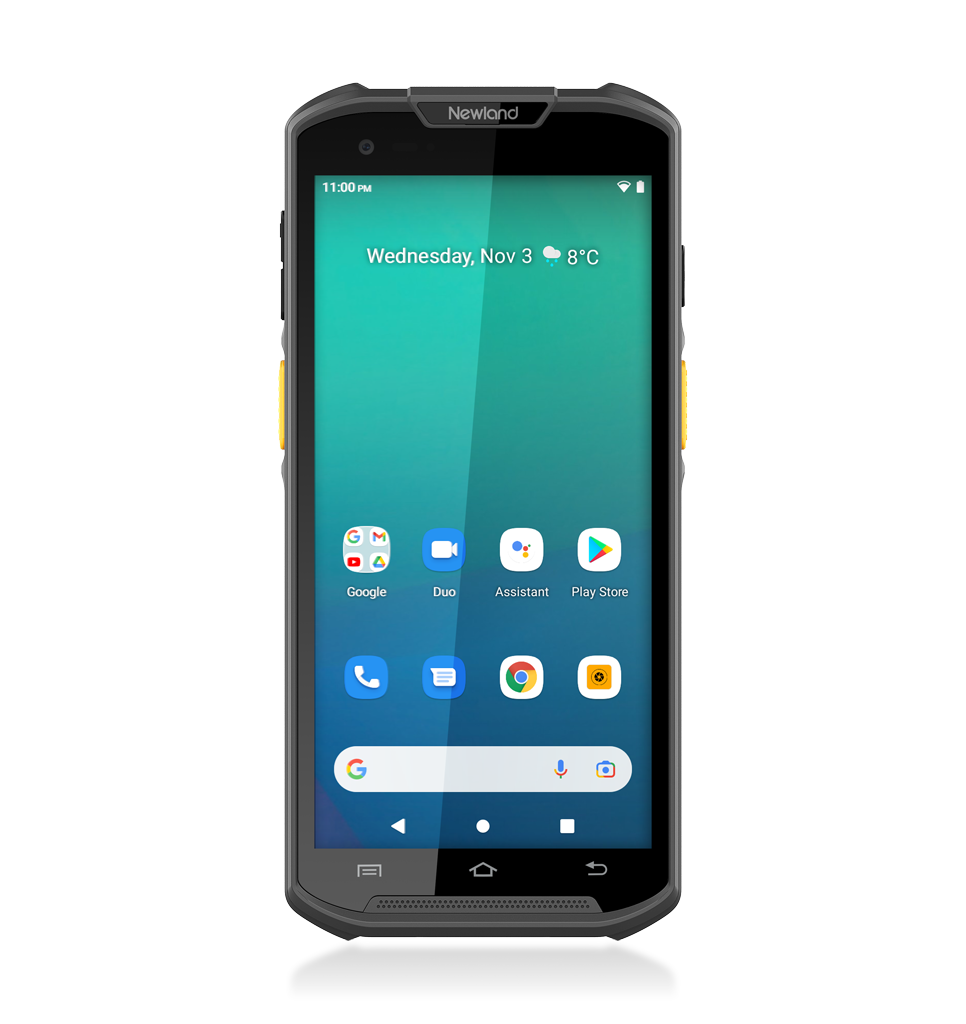
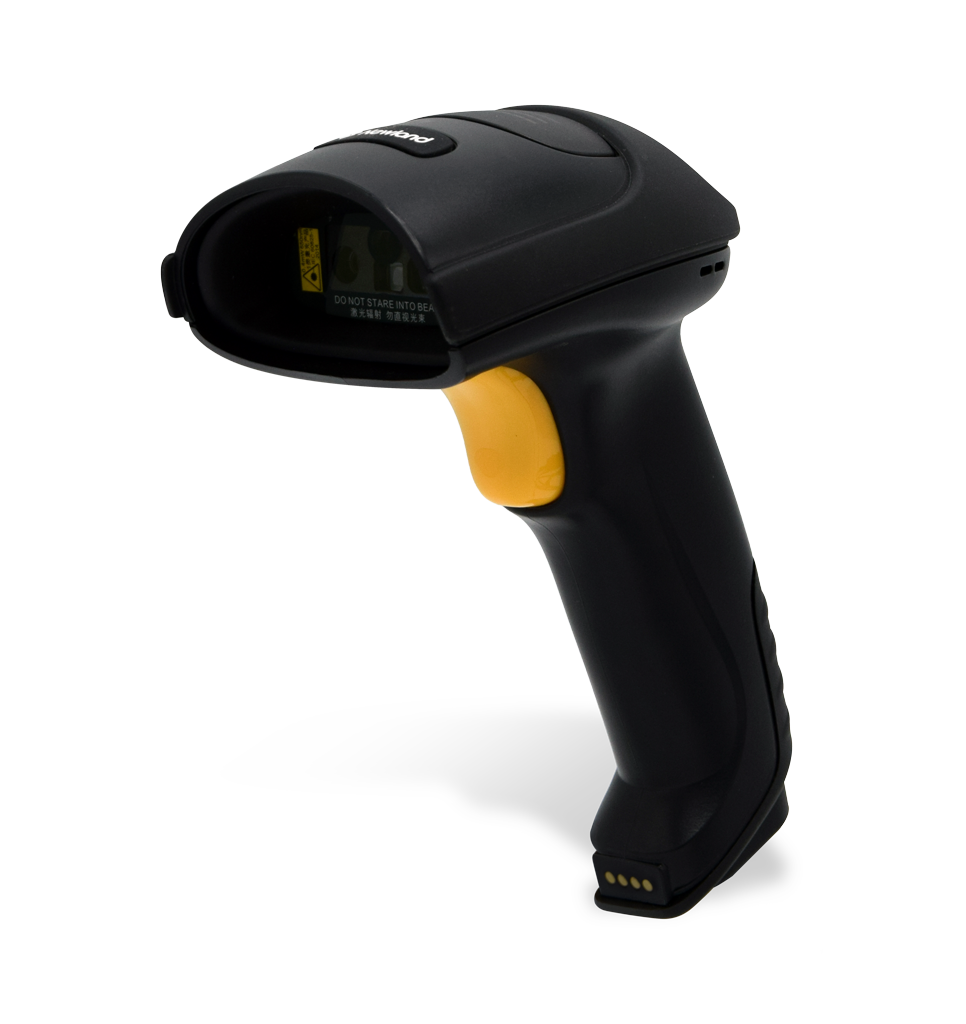
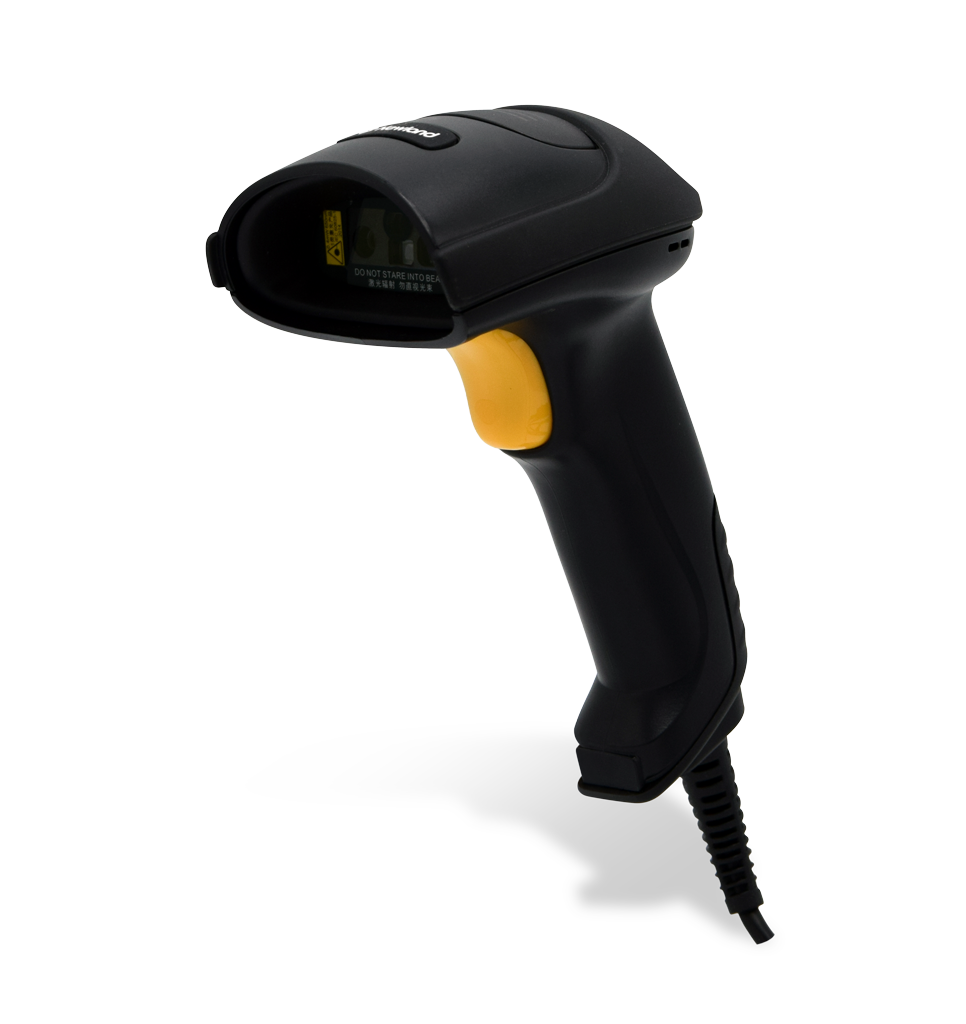
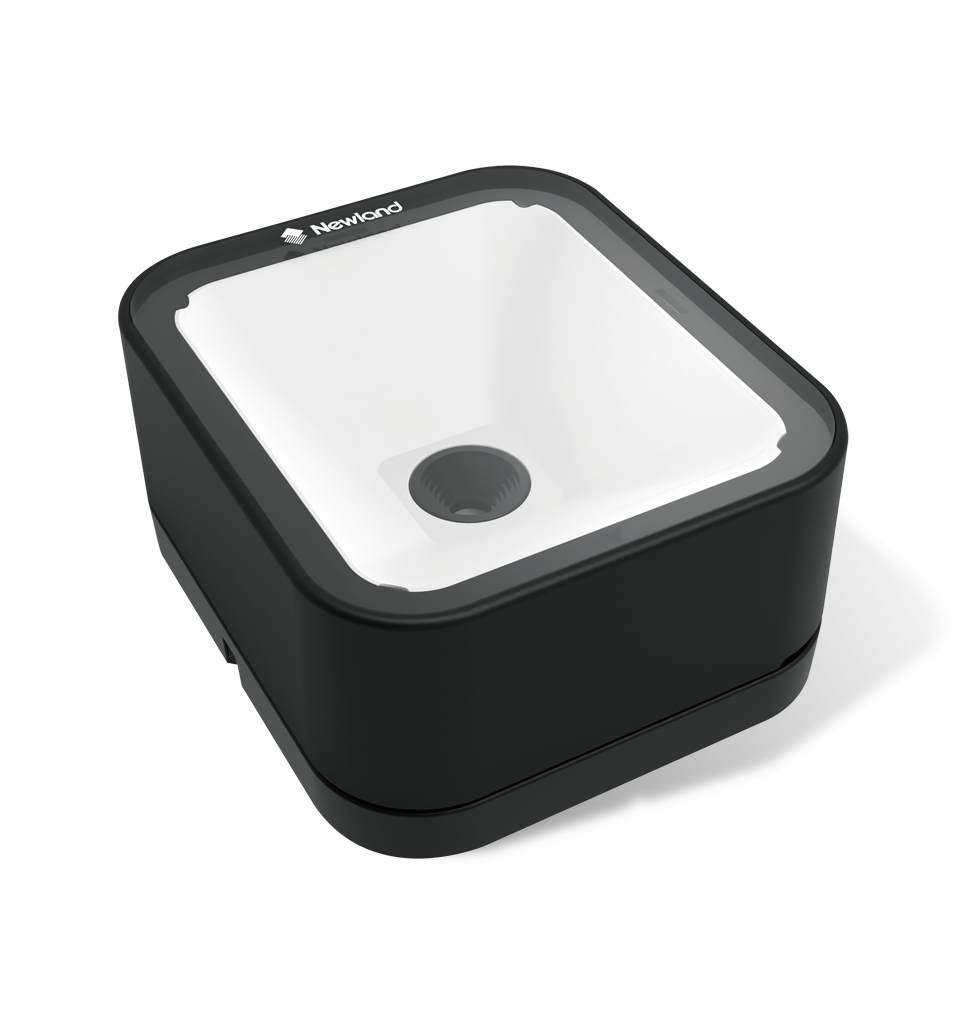
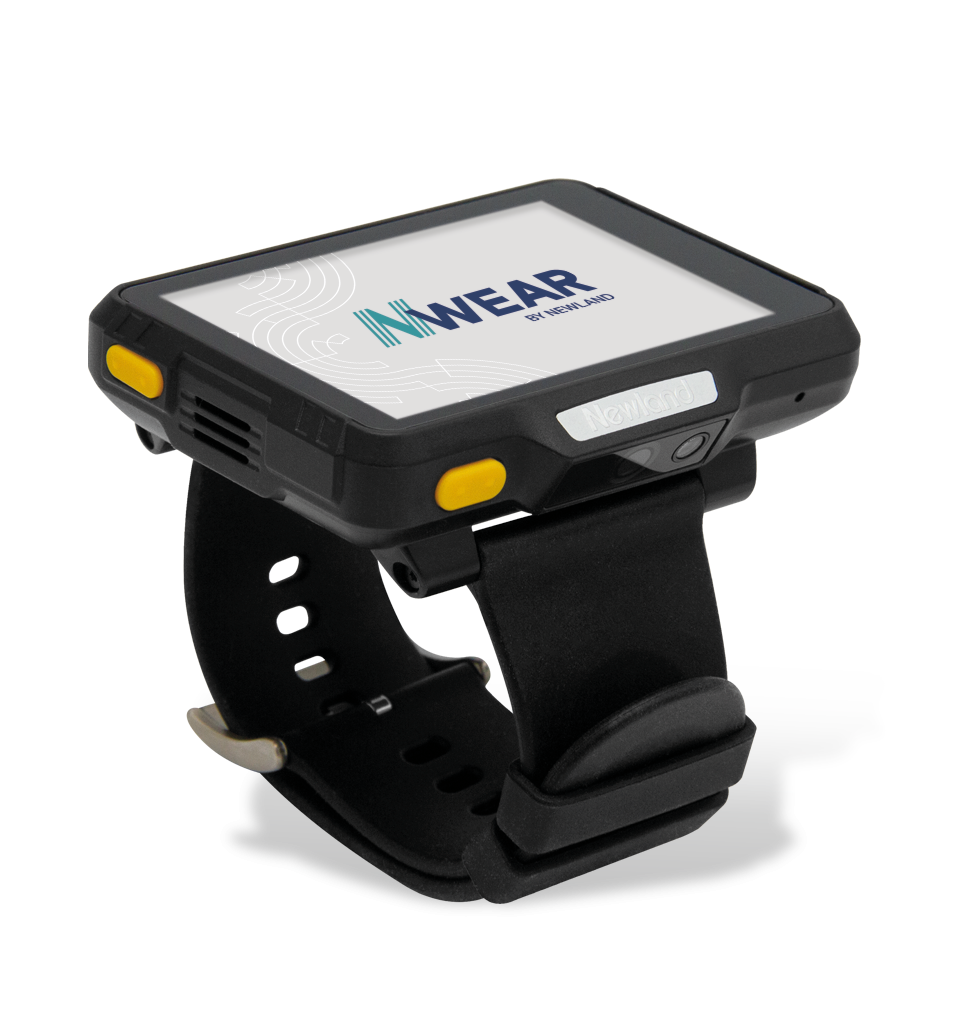
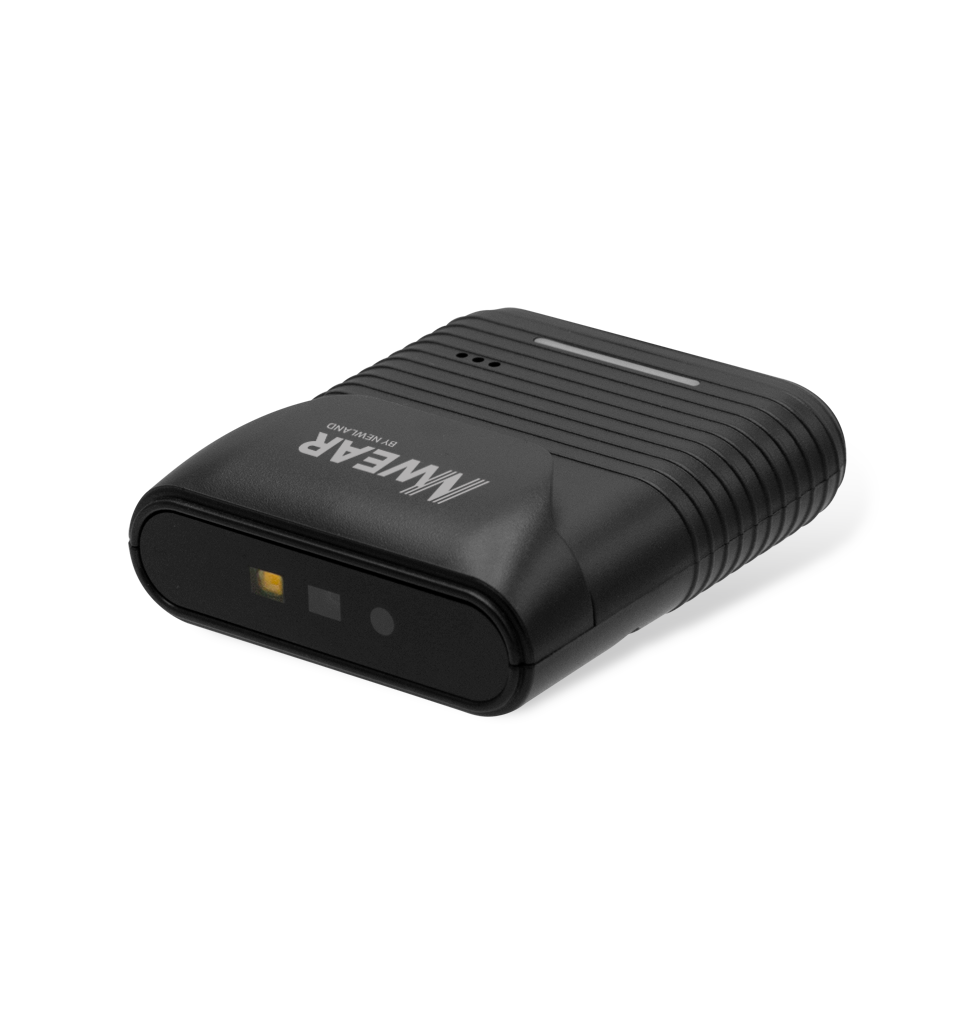
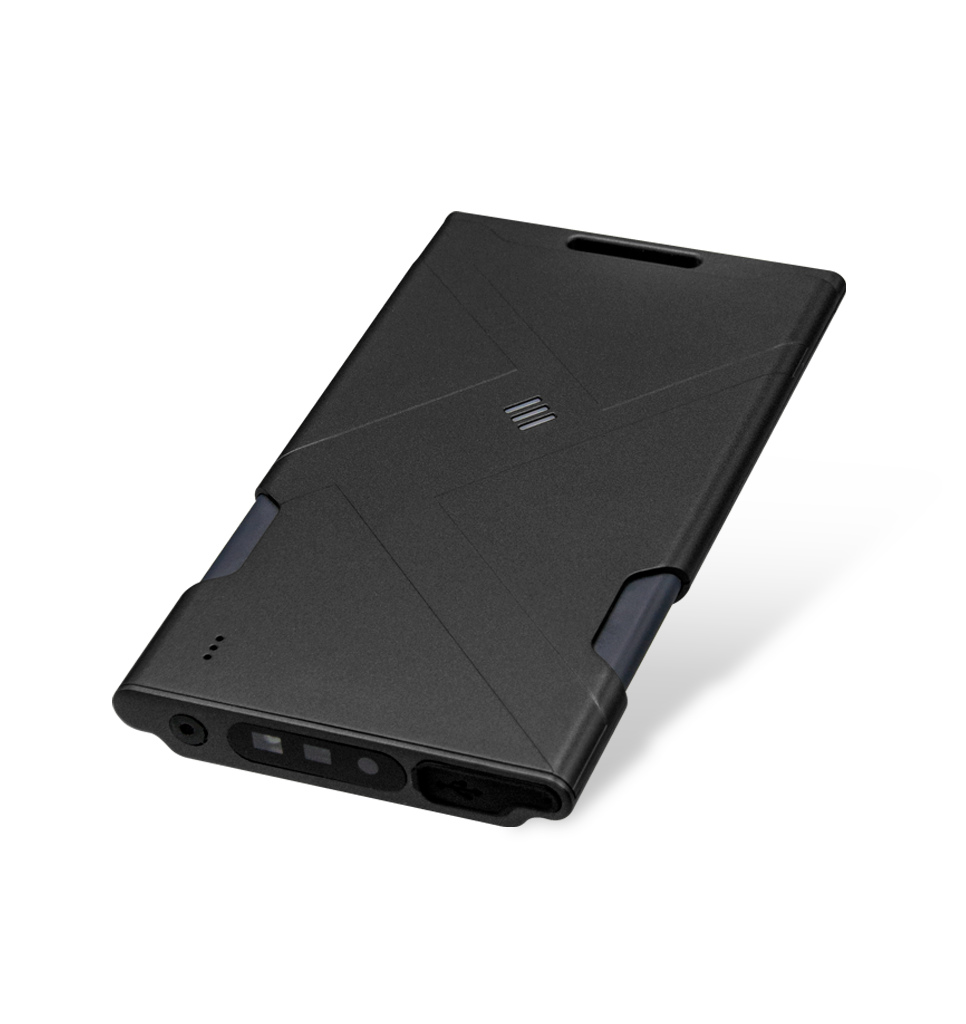
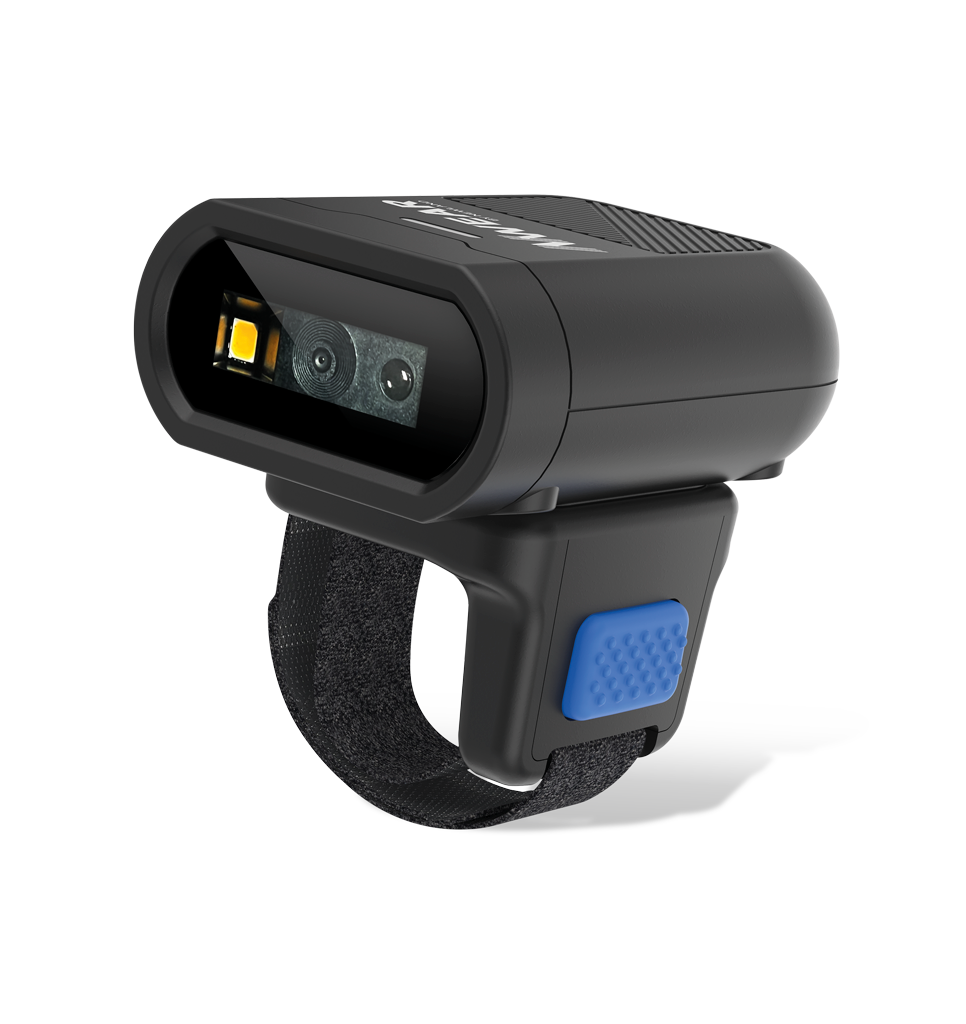
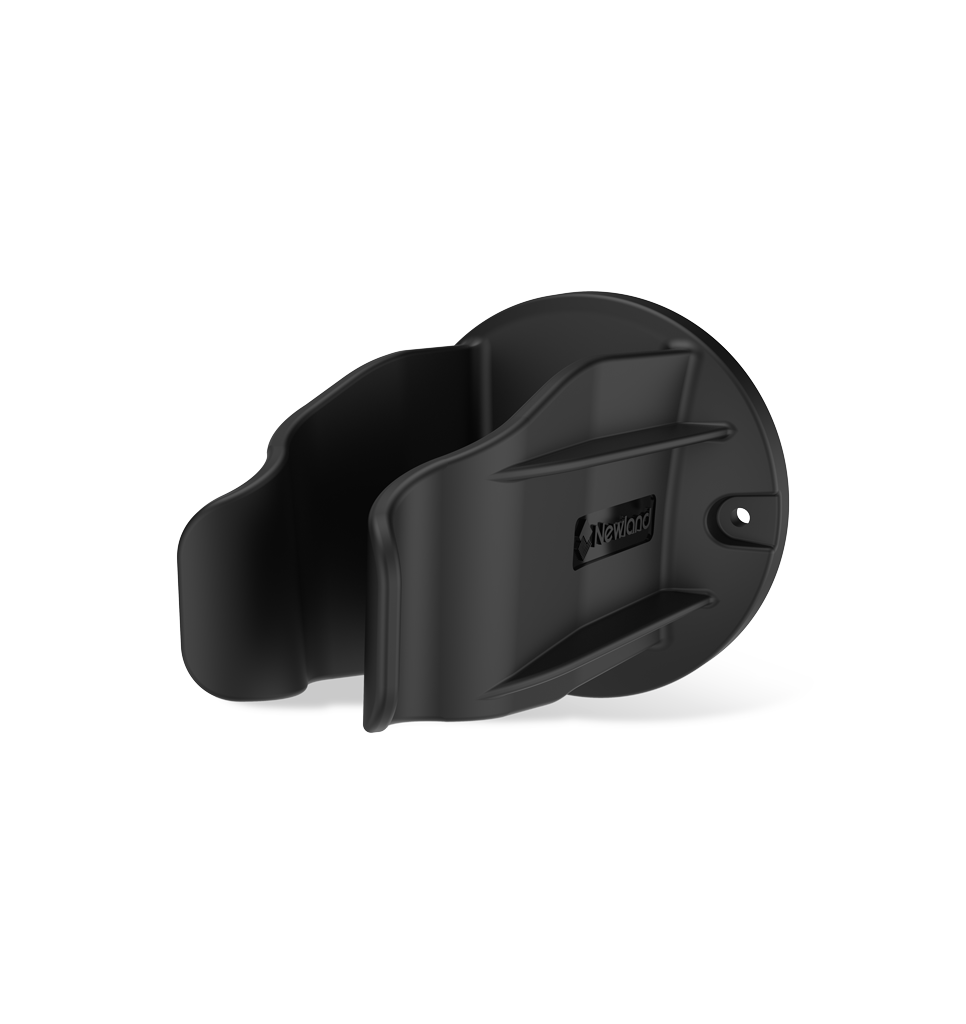
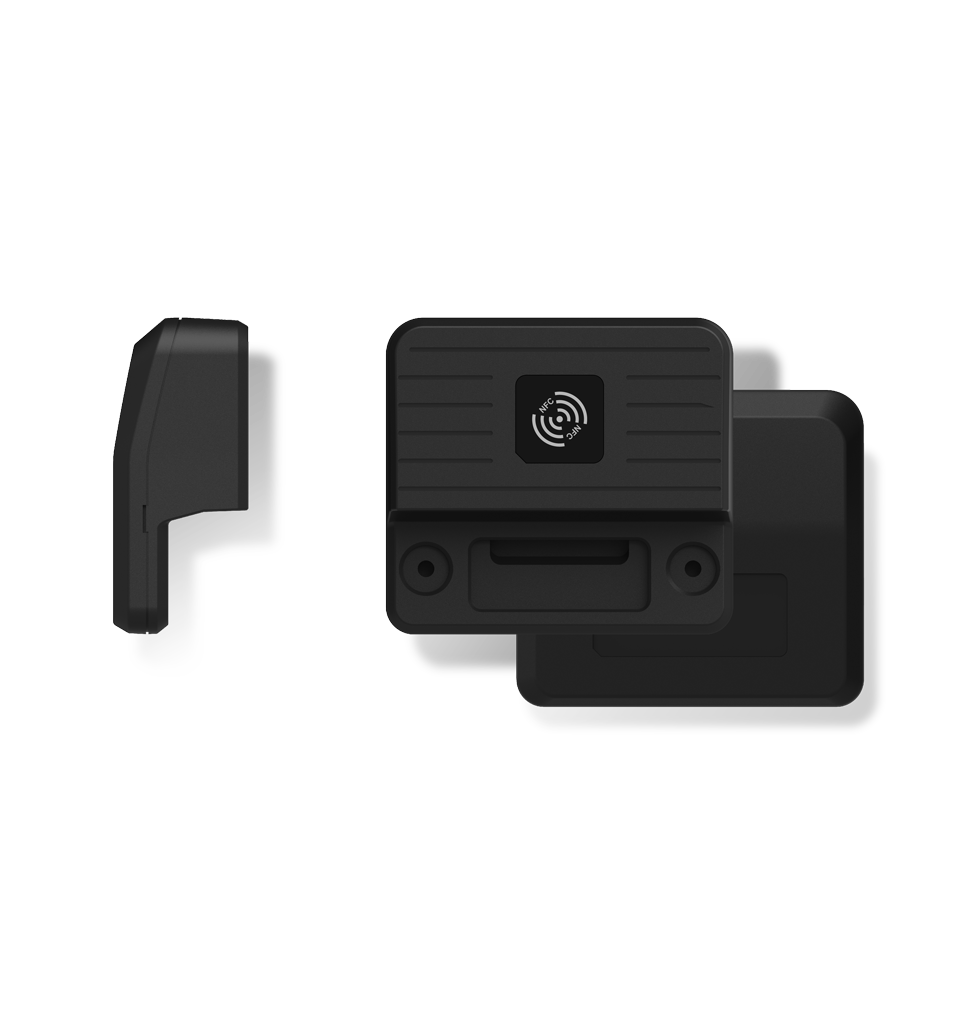
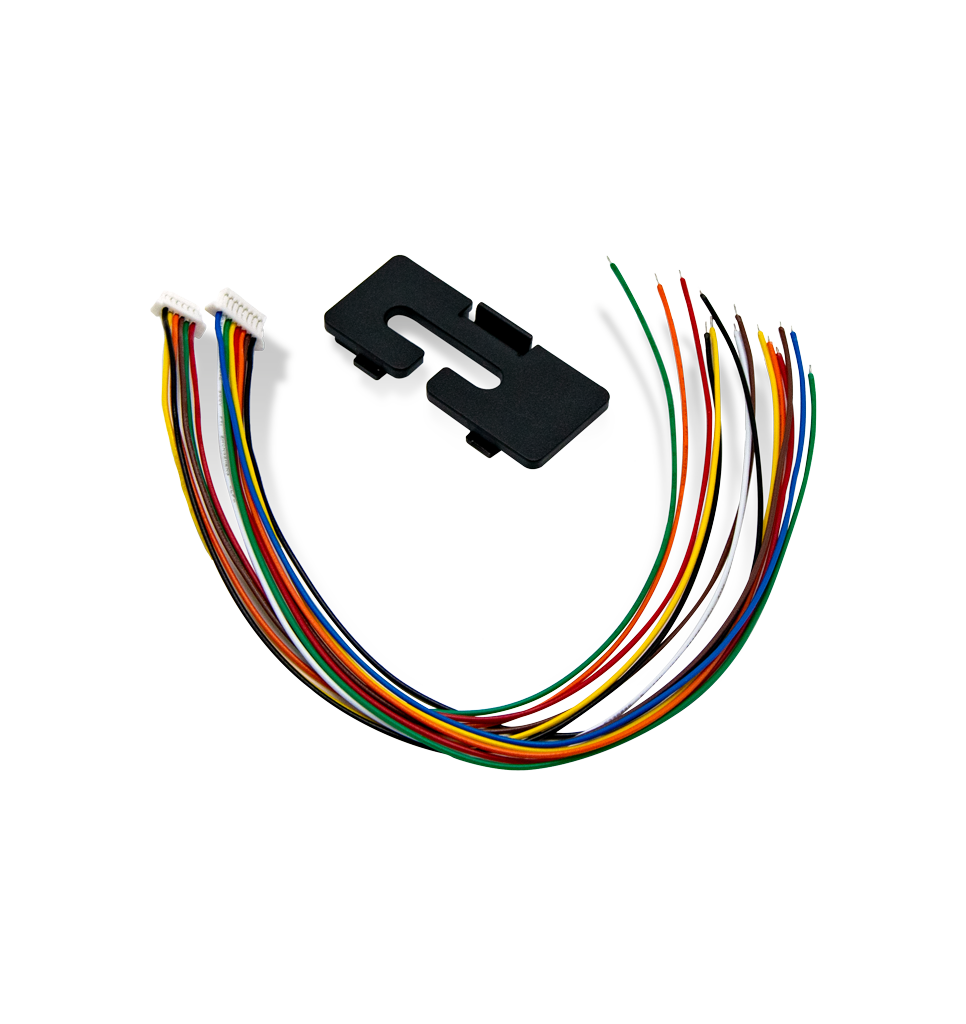
Find the ideal pairing with our range of Newland devices and accessories! From handheld scanners and smartwatches to vehicle cradles and NFC modules, we offer a variety of hardware options to elevate your Touch Panel Computer and create the perfect setup for any application or environment.
-
-
-
-
FR27 UrchinPresentation Scanners
-
-
-
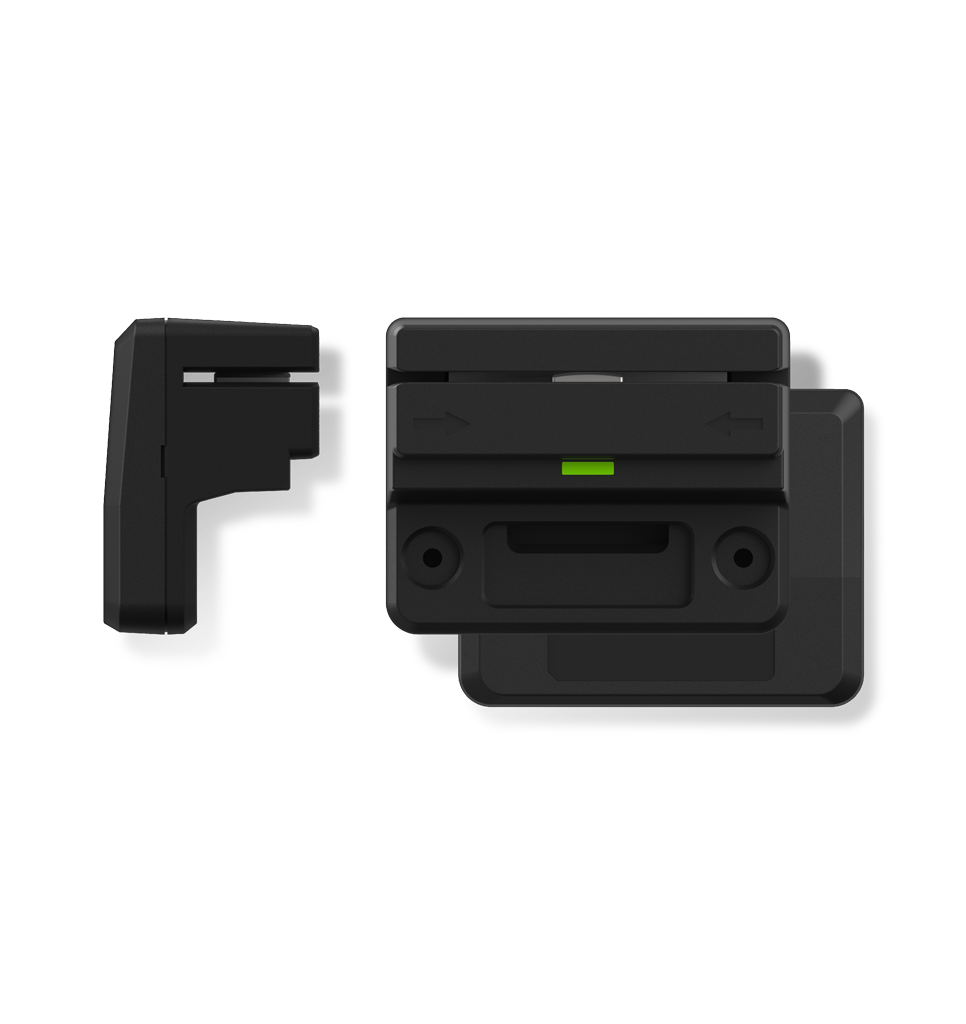
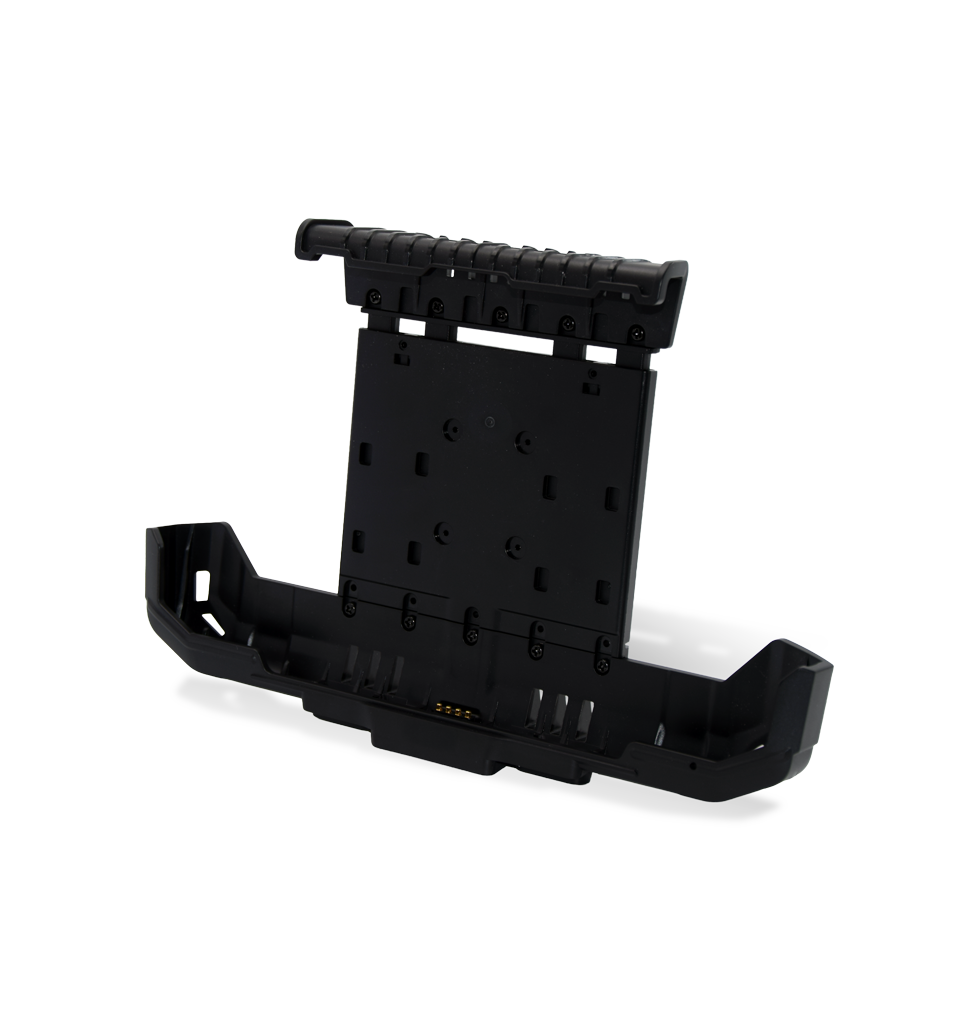 SD-VC100P Vehicle Mounted Cradle for NQuire 10 Series
Choose your model:
-
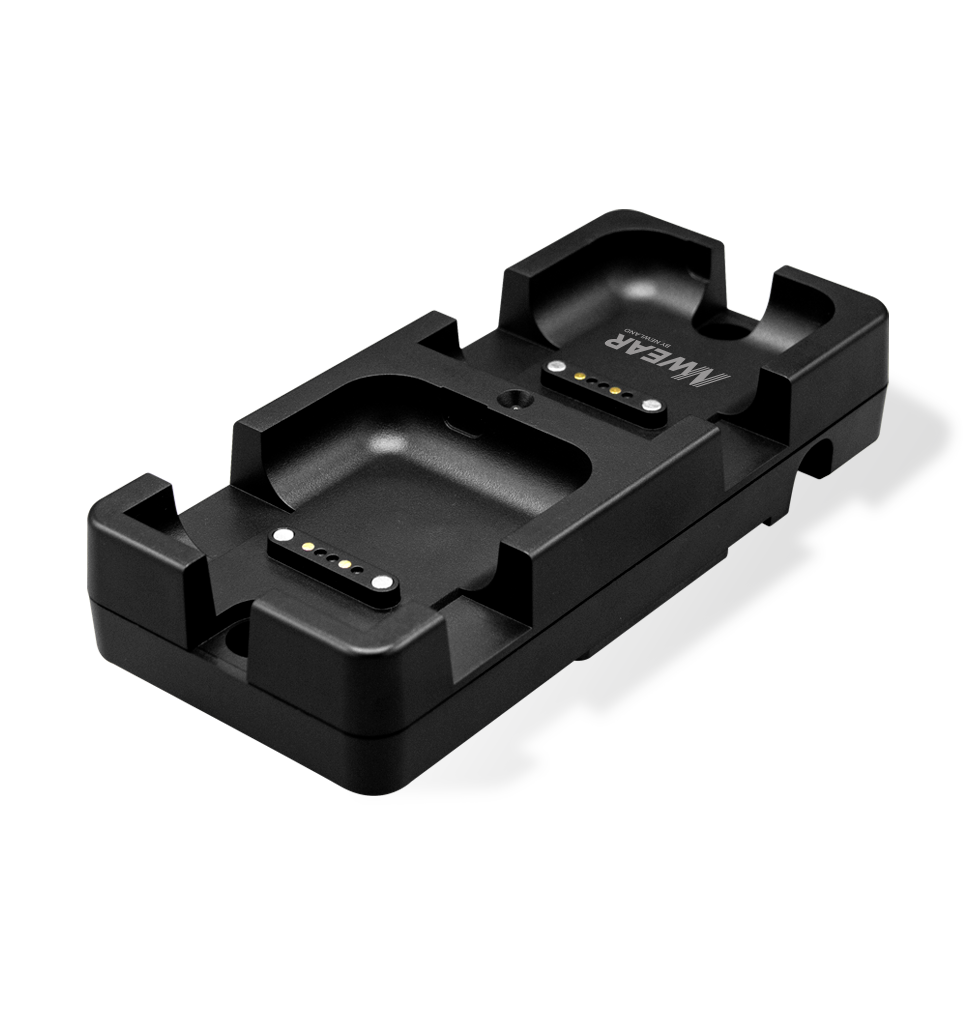 CD50 2-slot Charging Cradle for WD2
-
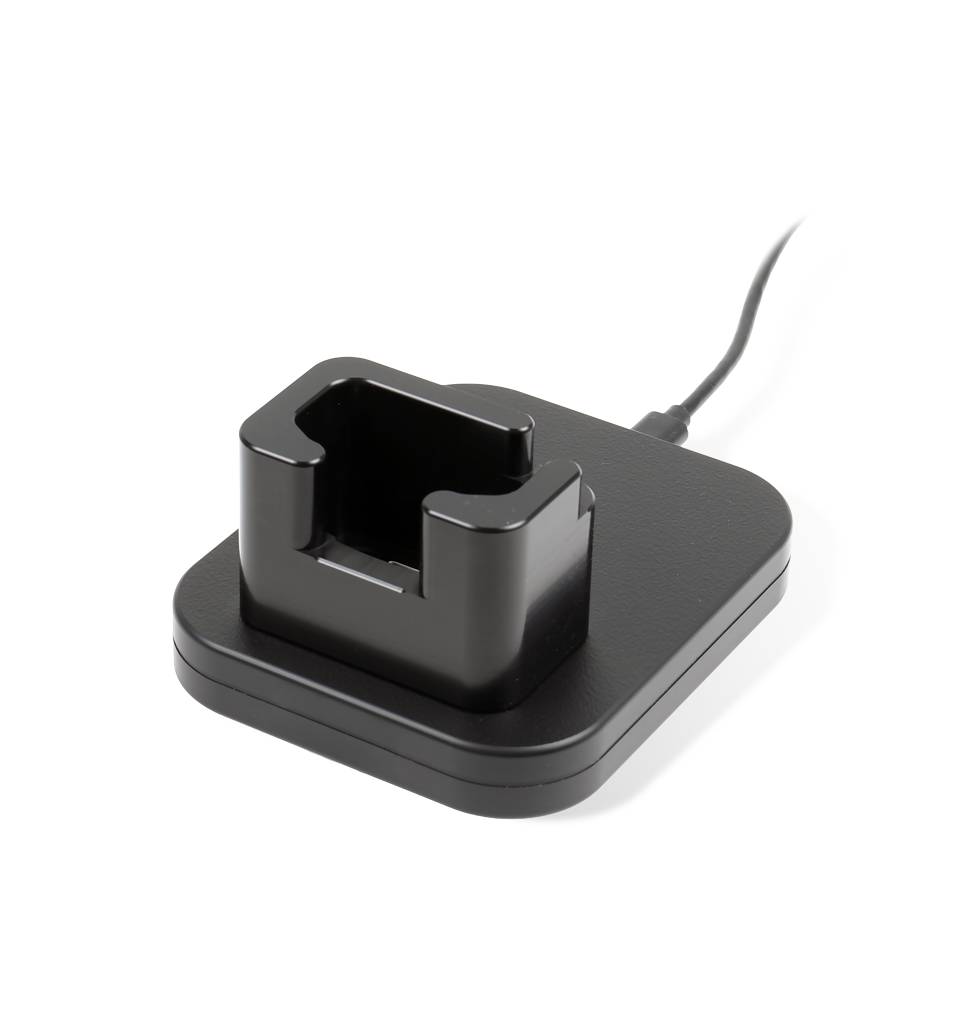 NLS-CCC-BS80-01 Charging and Communication Cradle for BS80 Series
-
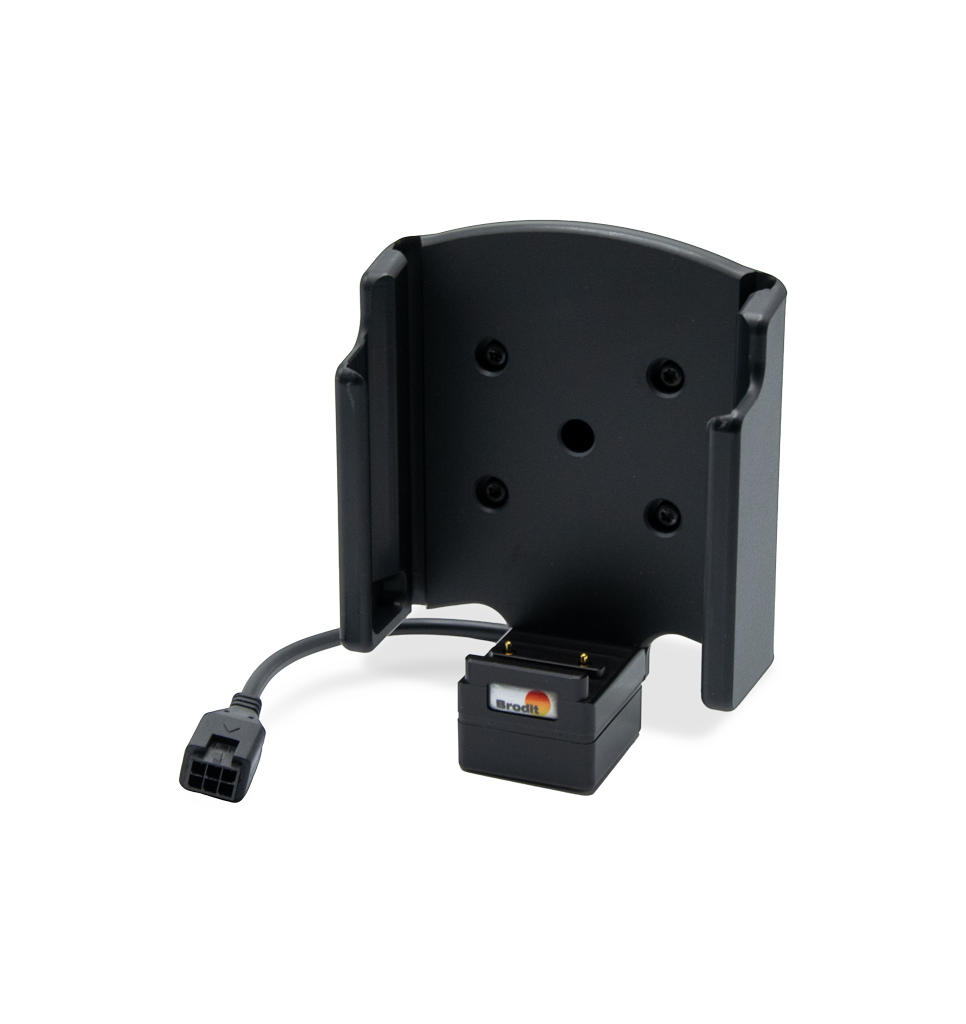 NLS-CC-MT93-01 Car Cradle for MT93 Series
-
NLS-CC-MT95-01 Car Cradle for MT95 Pro III
-
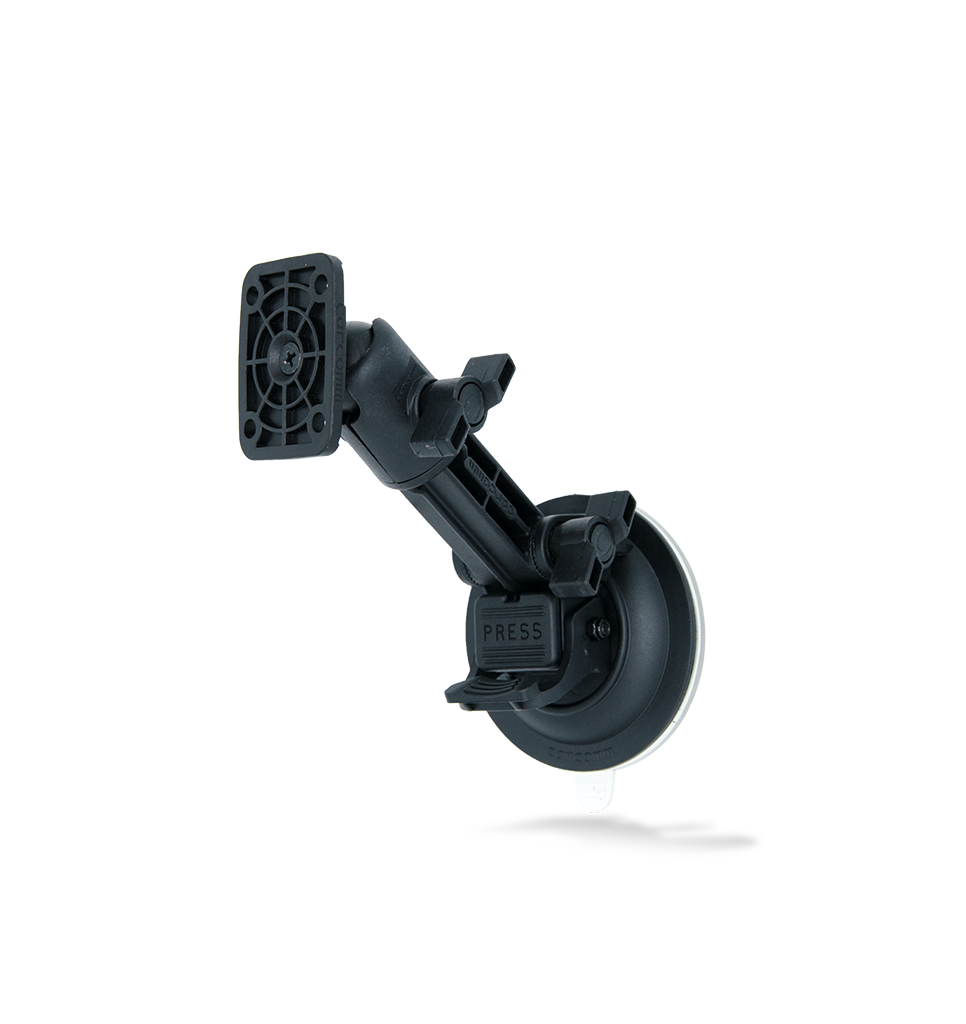 NLS-CCSM-01 Heavy Duty Suction for Car Cradle
-
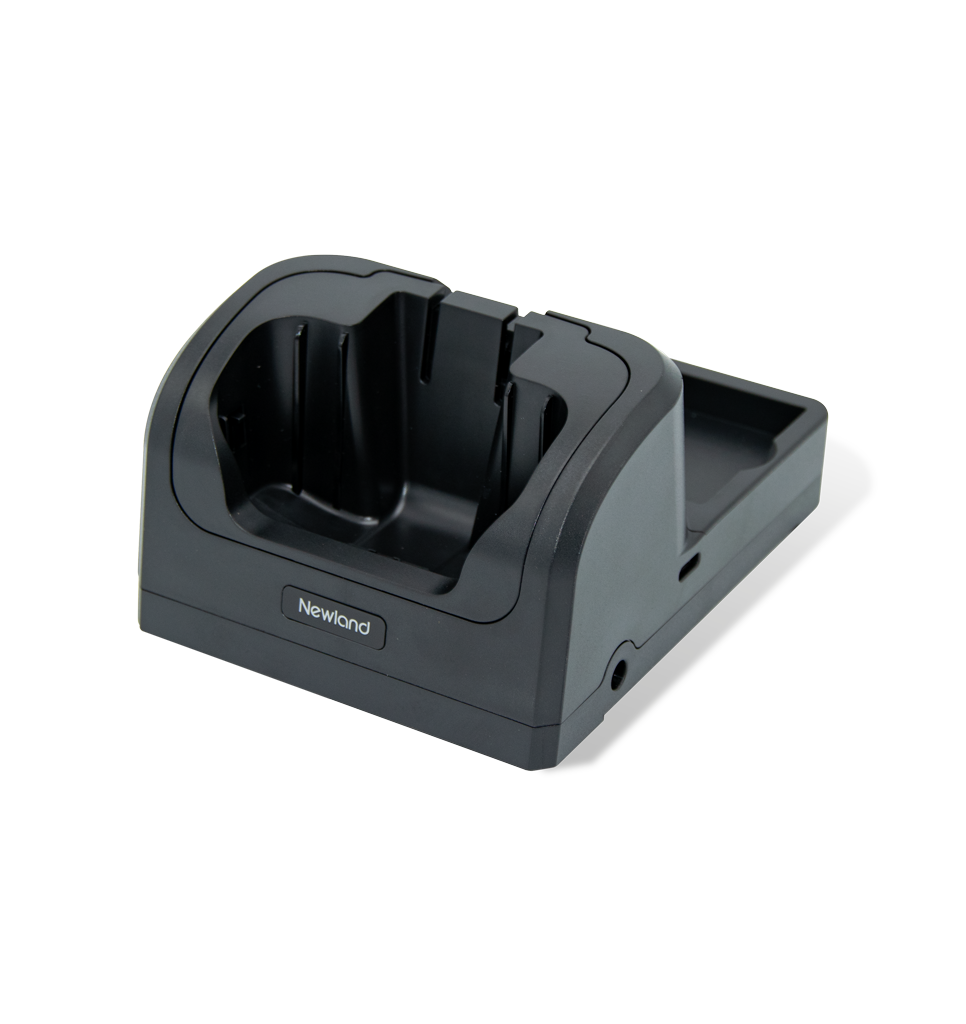 NLS-CD6750-01 Charging Cradle for MT67
-
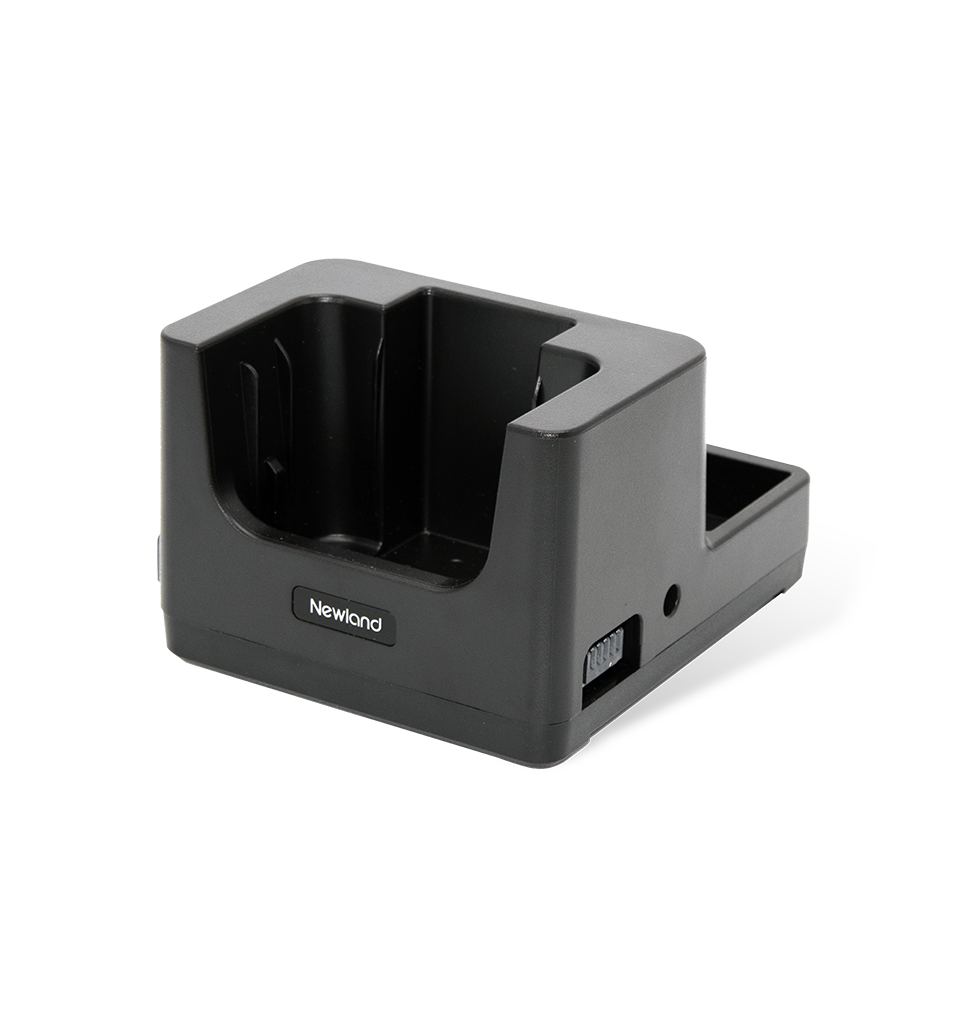 NLS-CDN7-C-HIGHV Charging Cradle for N7
-
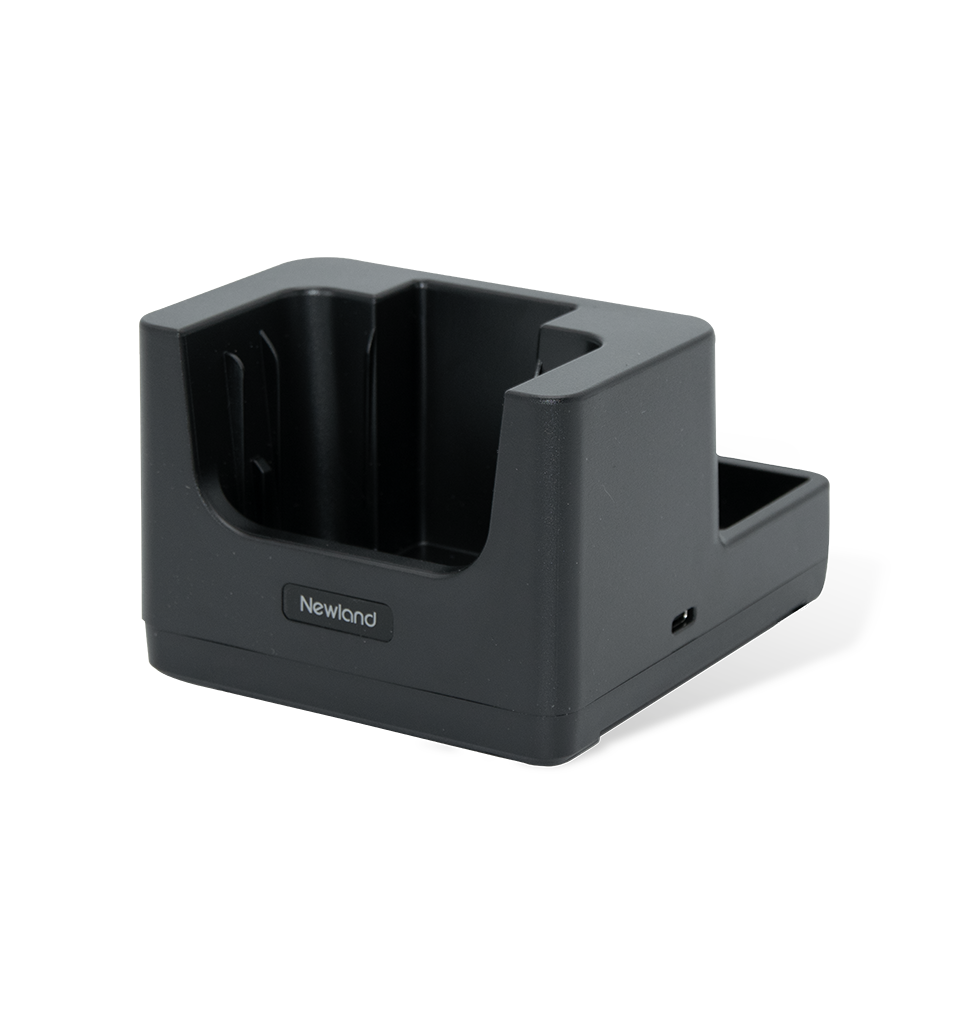 NLS-CDN7-C-LOWV Charging and Communication Cradle for N7
-
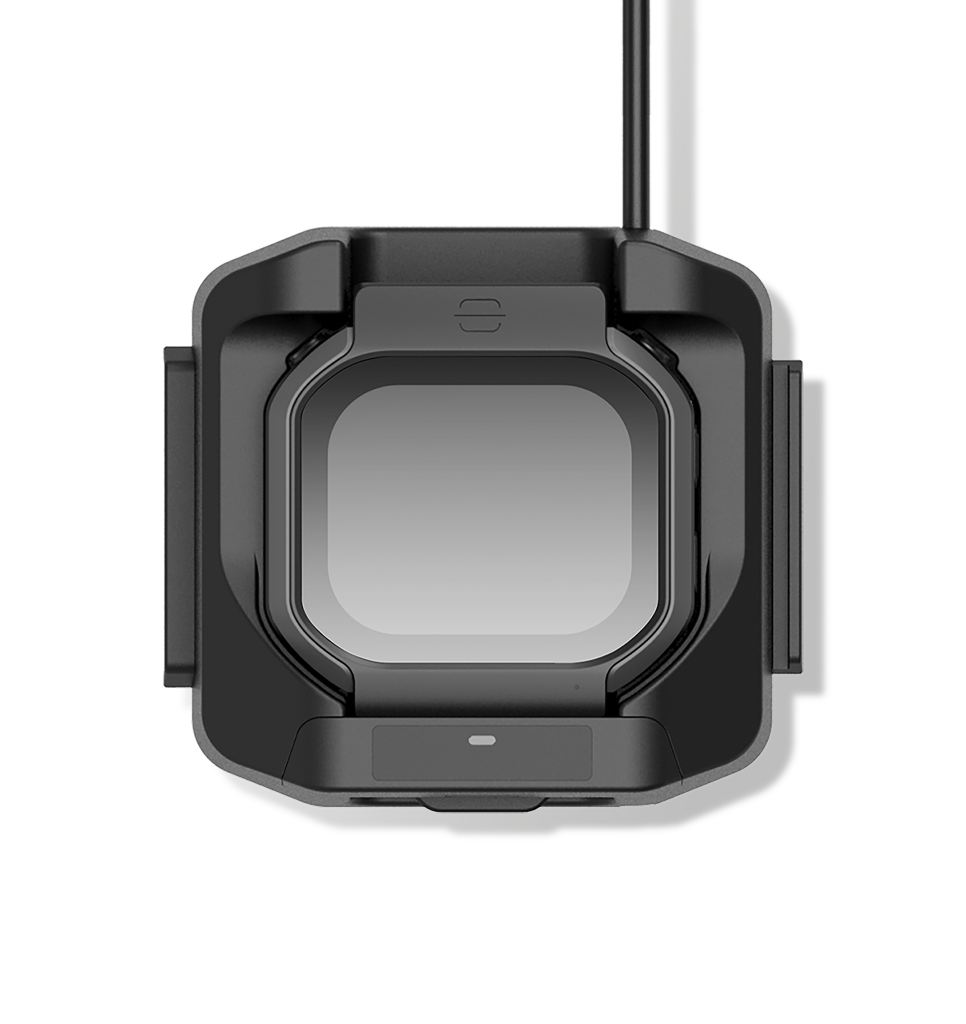 NLS-CDWD5-01 Charging Cradle for WD5
-
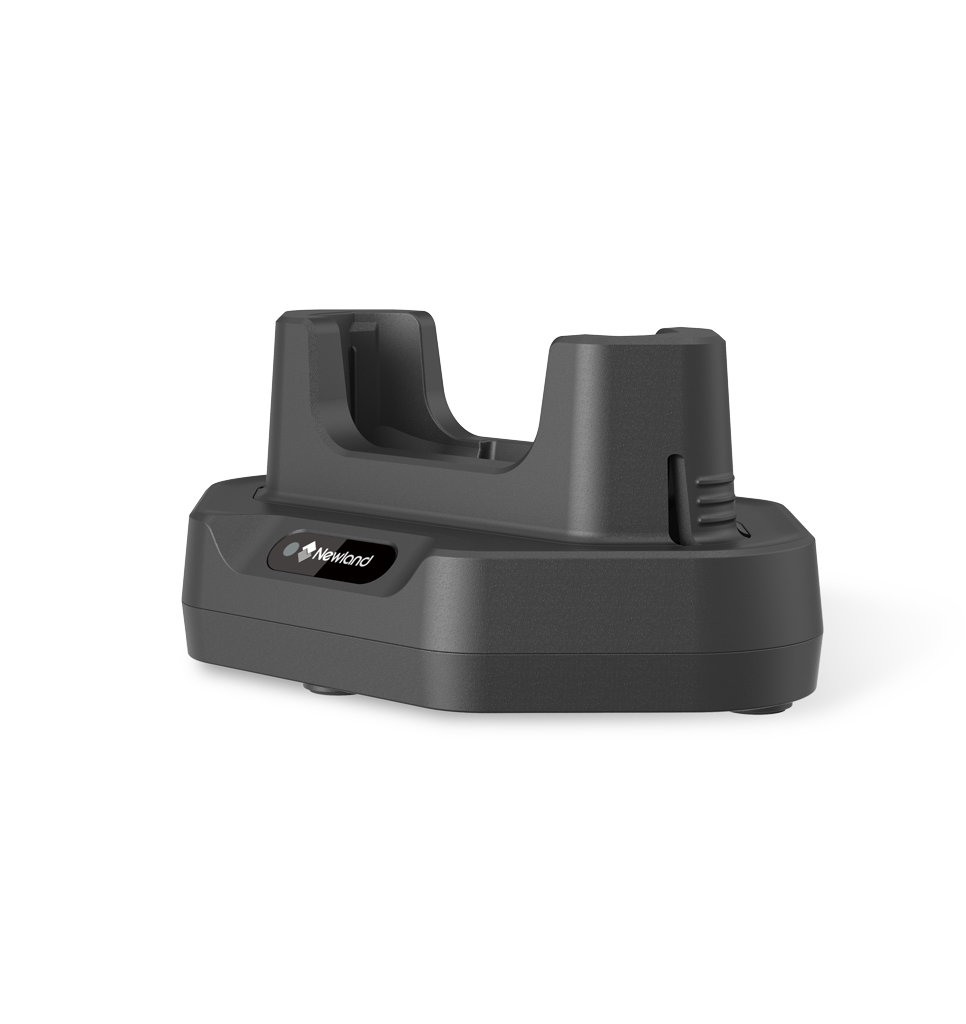 NLS-MCD6757-1CC Charging & Communication Cradle MT67 Sei II
-
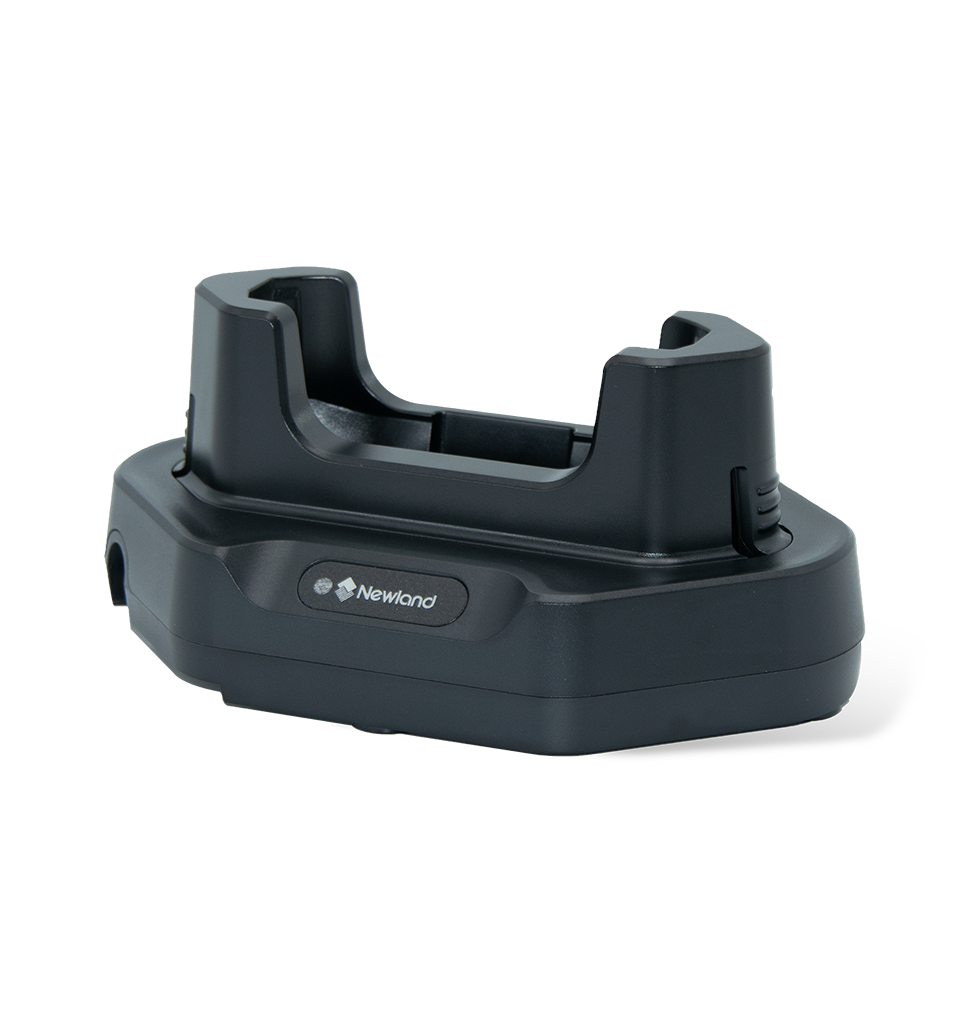 NLS-MCD9350-01 Charging Cradle for MT93 Series
-
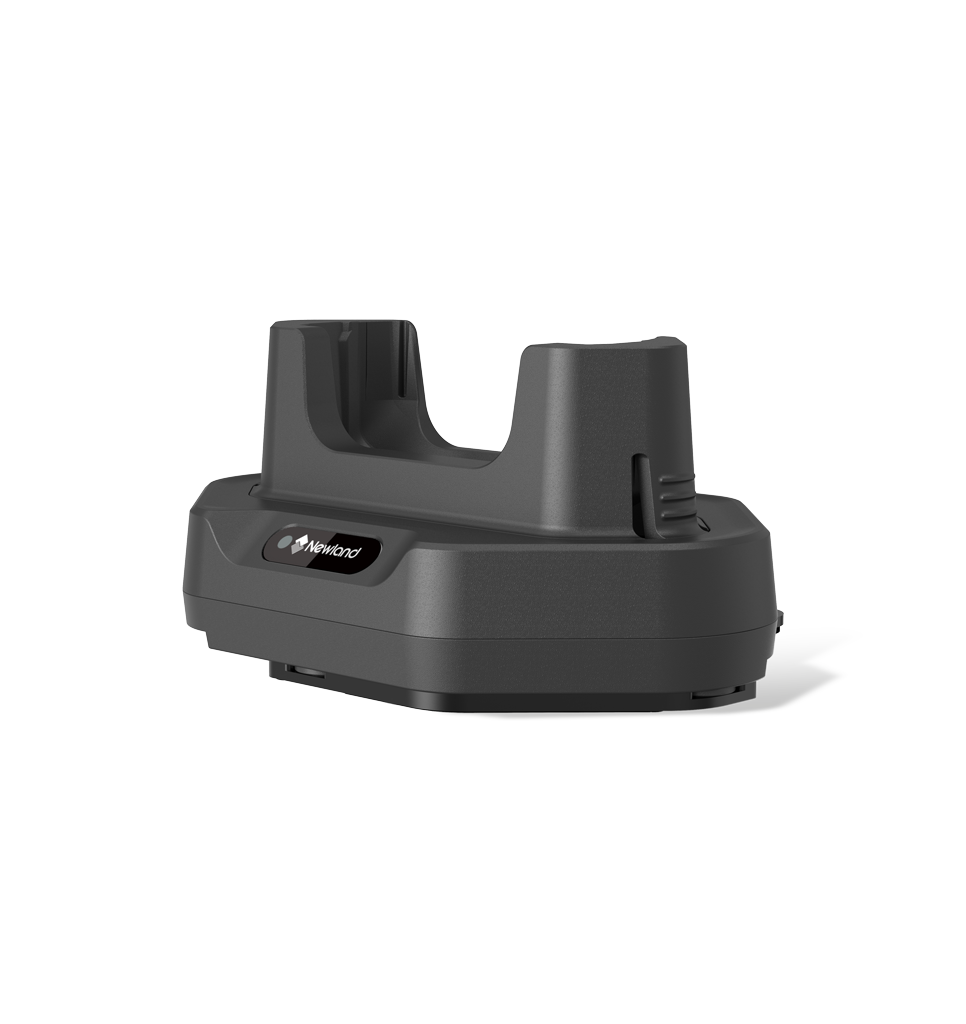 NLS-MCD93-U-01 Charging Cradle for MT93 UHF
-
NLS-MCD93XX-1CC Charging & Communication Cradle MT93-Series
-
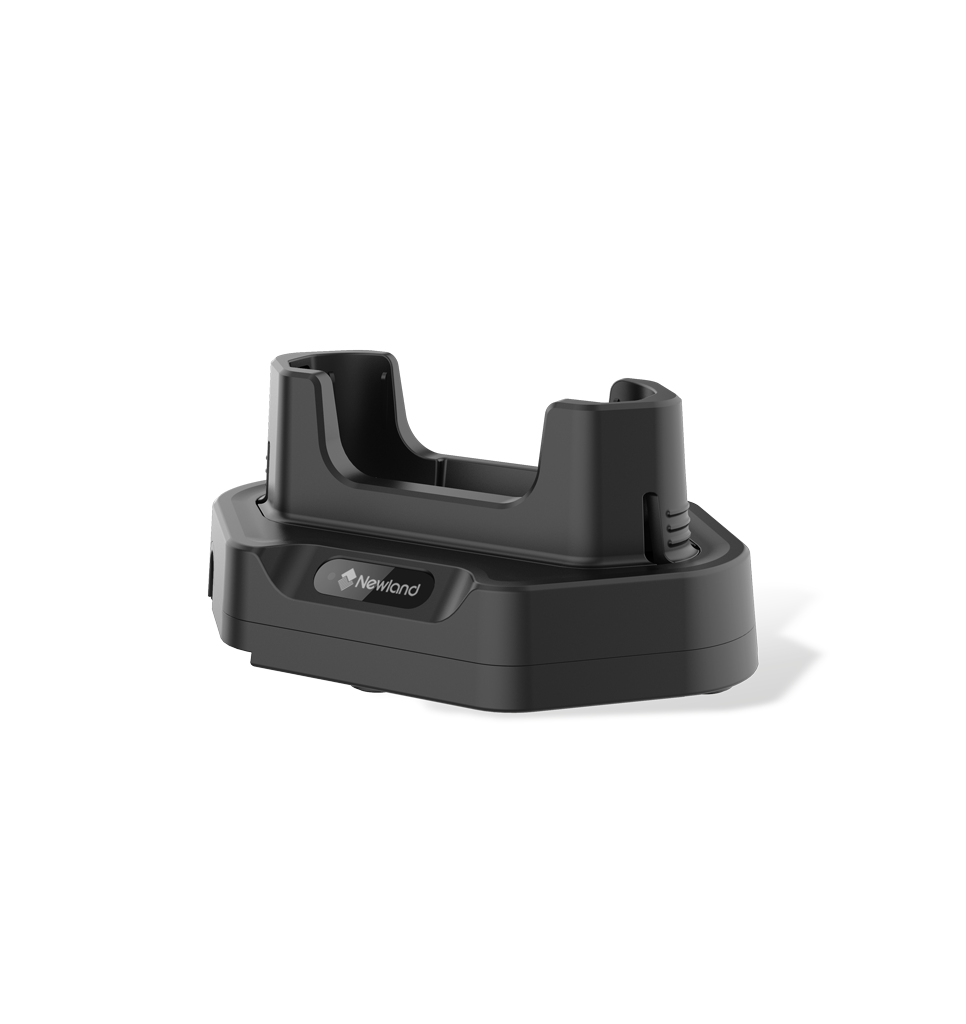 NLS-MCD9557-1C Charging Cradle for MT9557
-
NLS-MCD9557-1CC Charging & Communication Cradle MT9557
-
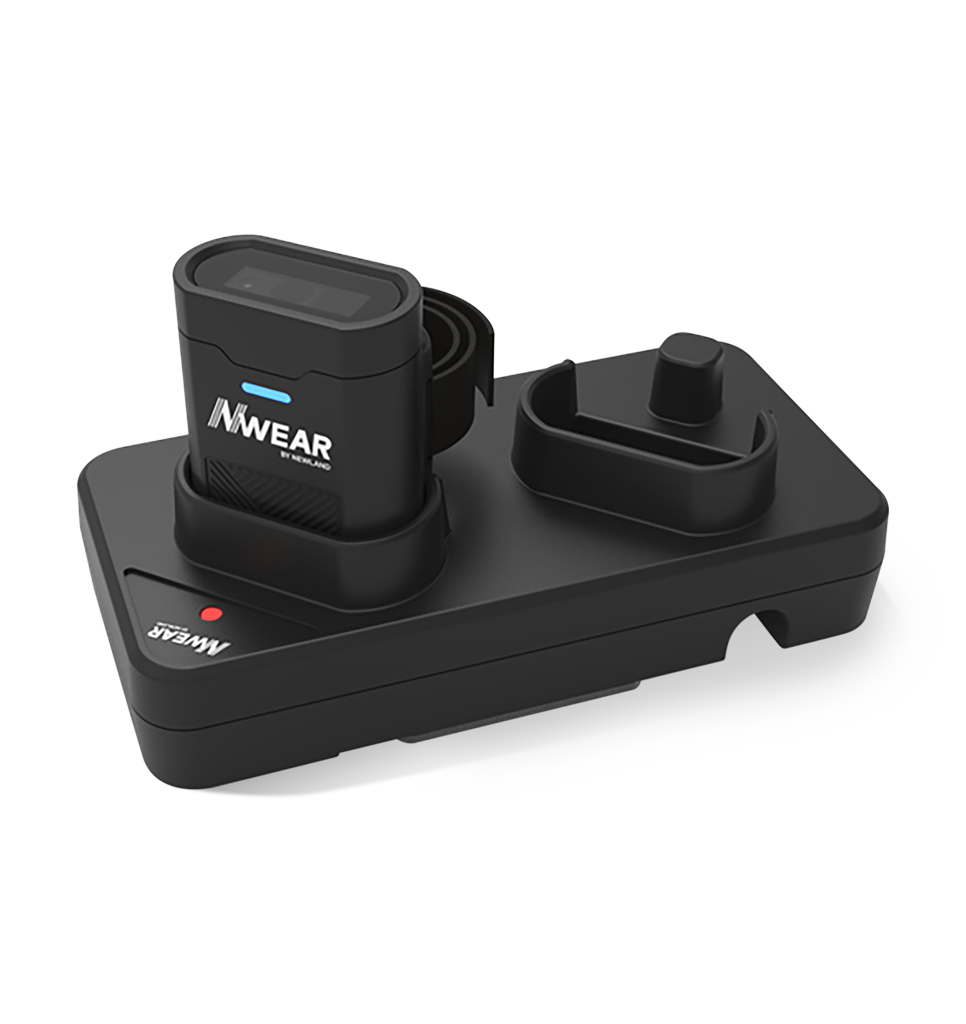 NLS-SCD20 2-slot Charging Cradle for WD4
-
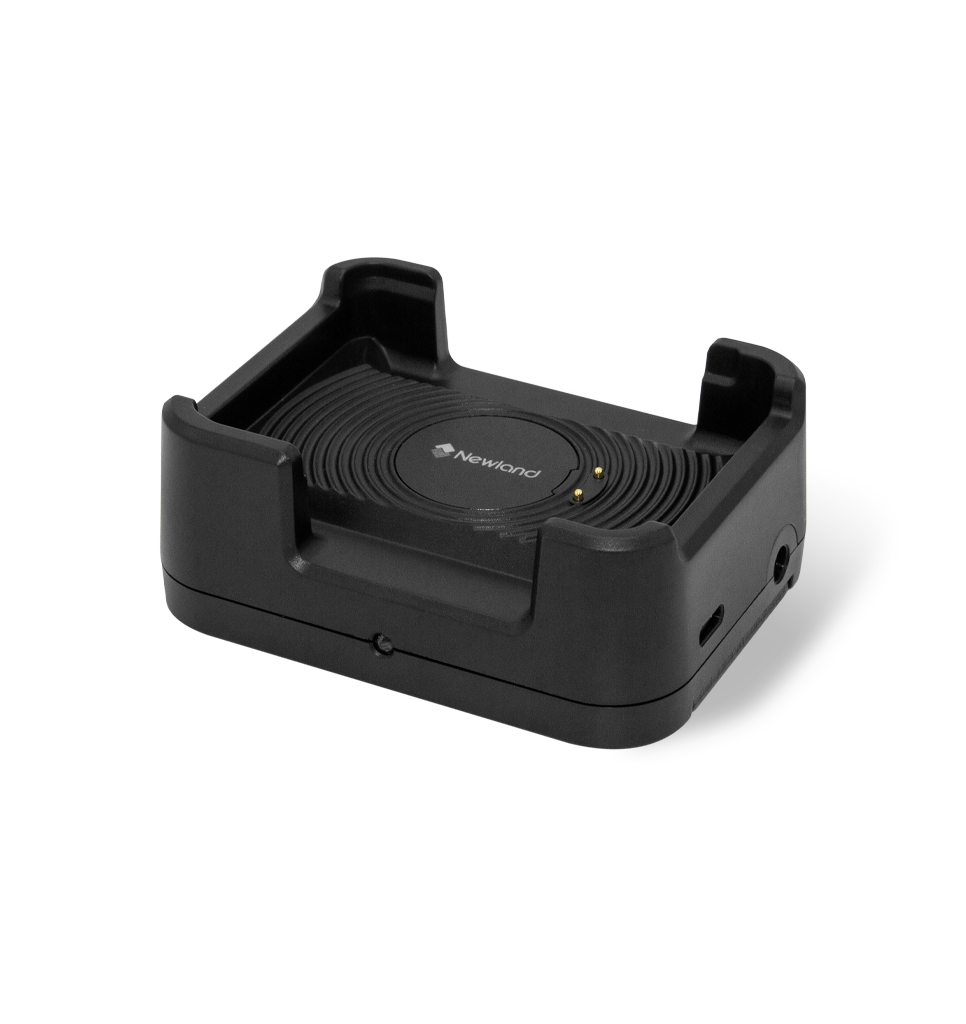 NLS-WCD10-1C Charging Cradle for WD1
-
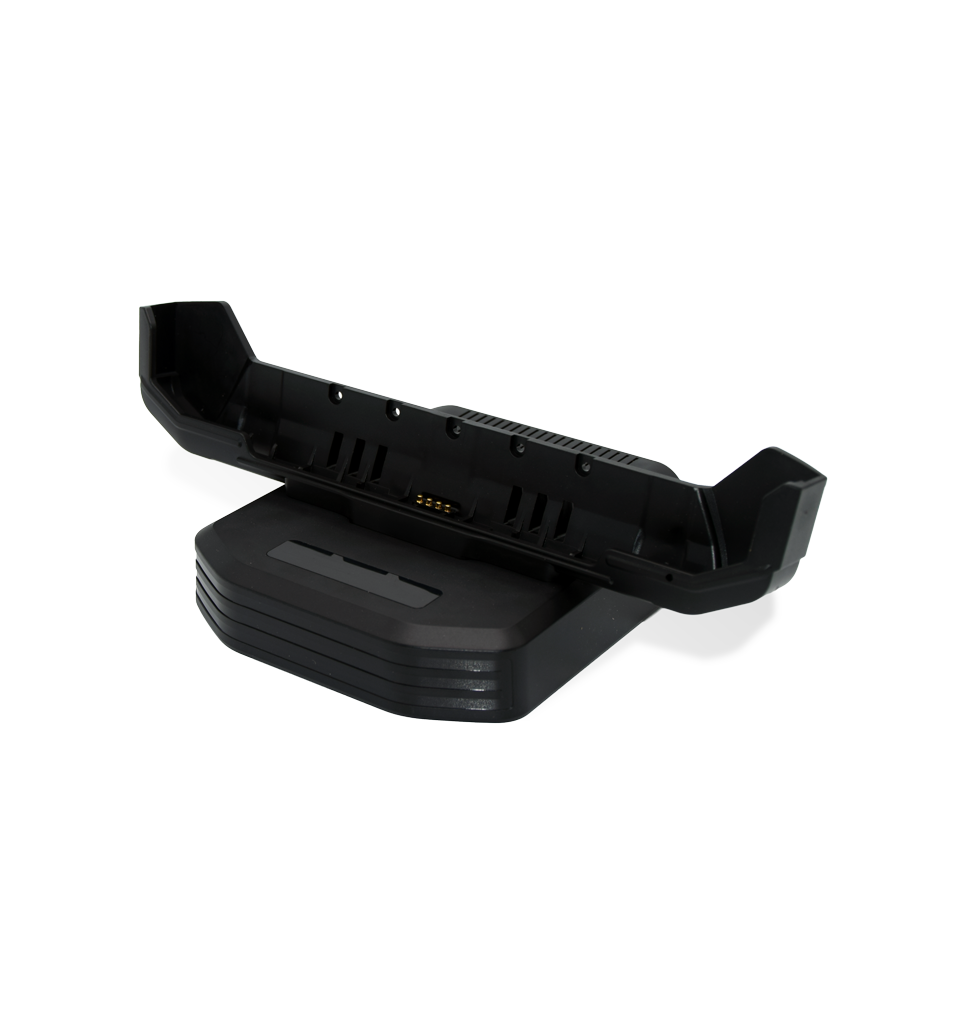 SD-DC100P Desktop Cradle for NQuire 10 Series
-
SD-VC100P Vehicle Mounted Cradle for NQuire 10 Series
Charging/Power -
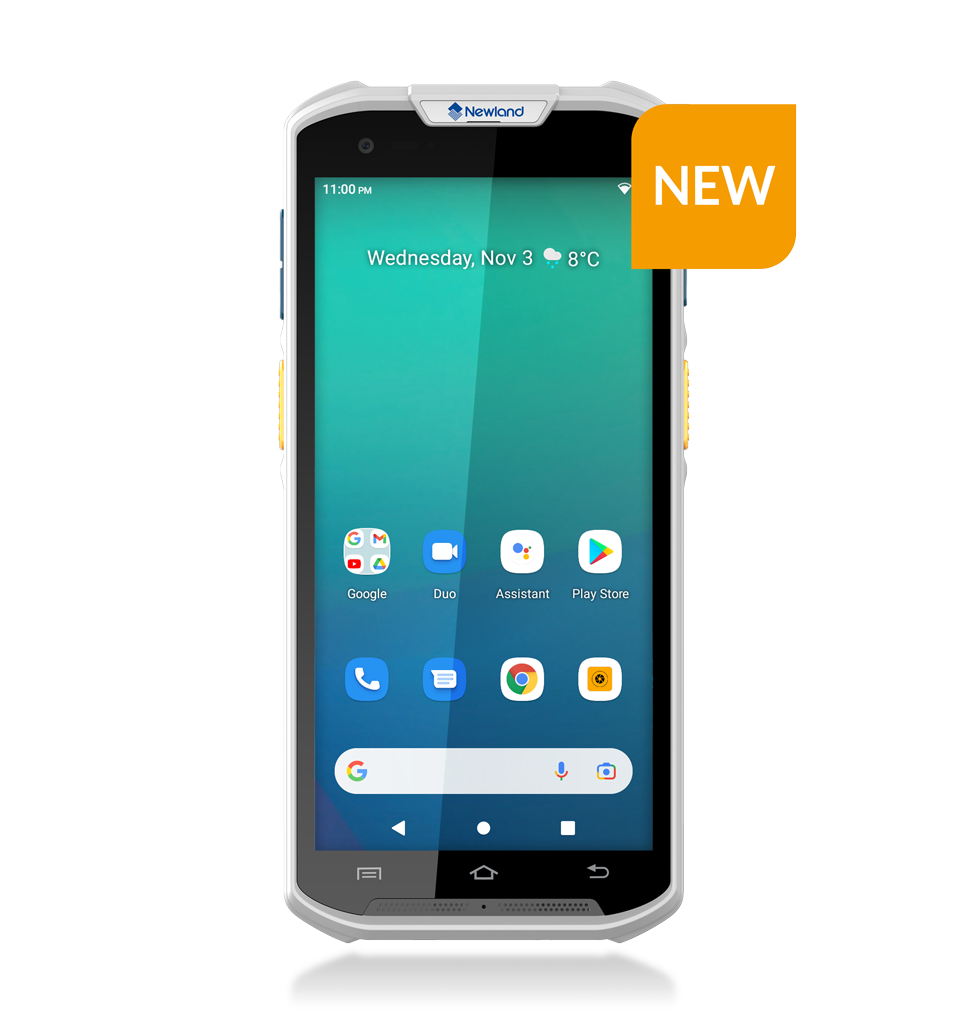
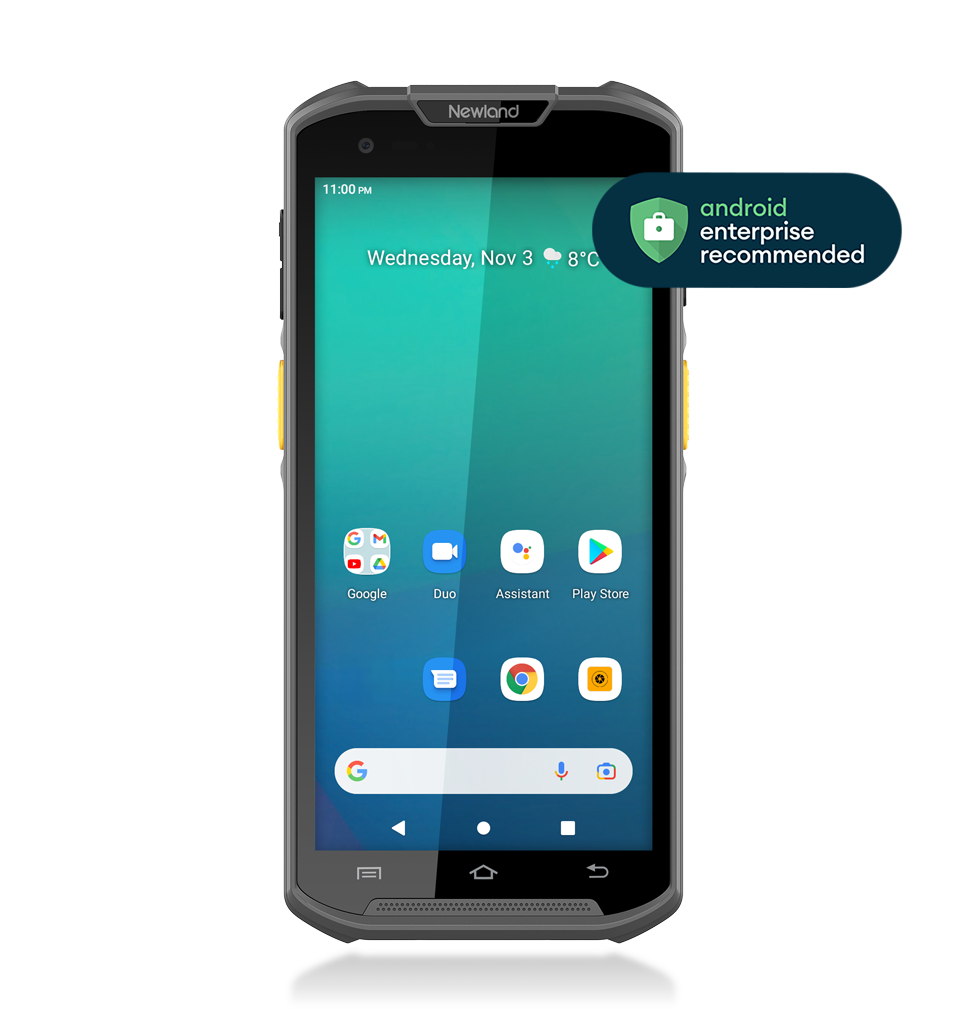
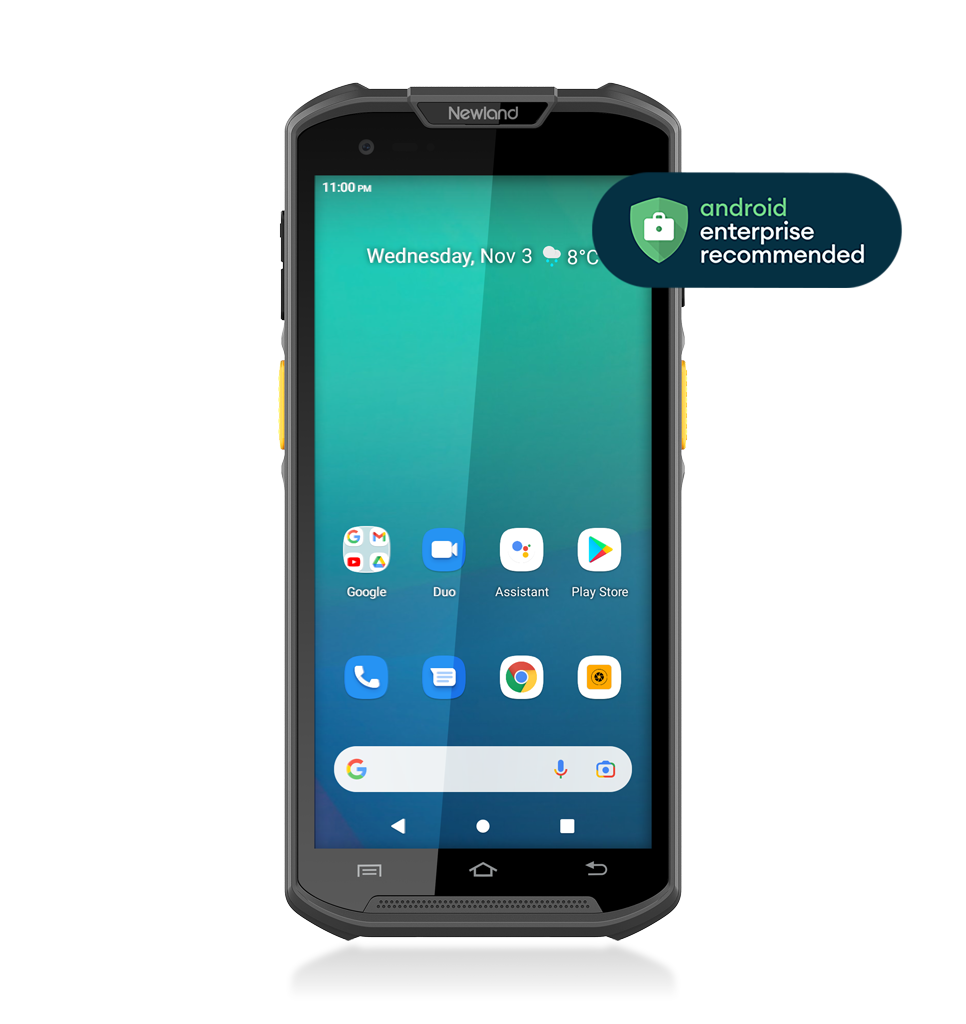
Step 3: Match with our ISV Partners
Complete the application setup with a match from our ISV partners!
Explore our ISV page to find the solution that fits your application.
-
 Newland AIDC EMEA’s NQuires take digital price checking even further in over 300 Telekom stores. See why and how.Read MoreIt’s Labeled Efficiency: the NQuires for Price Checking
- - Touch Panel Computers
- - Retail

-
Rocking the NQuire to New Heights
- - Touch Panel Computers
- - Hospitality & Entertainment


Ready to maximize your applications with our Touch Panel Computers?
Get in touch with us today.